Vehicles
How to Use Auto Drive in GTA 6
Quick answer
Mark a destination and start driving a car. Hold Down on the D-pad and press Options on PS5 or Menu on Xbox to open Cinematic mode. Give the car a little throttle until Auto Drive appears, then hold Circle or B to let it follow the waypoint.
Activate Auto Drive from inside the car
- Place a destination waypoint on the map before leaving.
- Get the car moving in the direction of the route.
- Hold Down on the D-pad and press Options on PS5 or Menu on Xbox. Look for the cinematic camera to take over.
- Use R2 or RT to roll forward until the Auto Drive prompt appears. Hold Circle or B until it activates.
Why the Auto Drive prompt is missing
Try a nearby waypoint on an ordinary road to check the controls before starting a long journey. The in-game car follows the route in real time and can stop for traffic. To skip a trip altogether, use the separate taxi or RydeMe workflow.
| What happens | What to check |
|---|---|
| The camera changes but Auto Drive never appears | Confirm you set a destination. Give the car enough throttle to start rolling and wait for the prompt. |
| Down brings up the minimap or navigation panel | Hold Down while pressing Options or Menu. The camera should start switching between outside angles. |
| Auto Drive works in free roam but fails in a particular situation | Check Settings → Gameplay → Auto Drive. Restricted limits where it is offered. Try Unrestricted if you want broader availability. |
| The car is doing the route too slowly | Use R2 or RT to raise cruise speed in Cinematic mode. L2 or LT lowers it. Hold Down to switch back to direct control. |
Let Jason or Lucia drive when travelling together
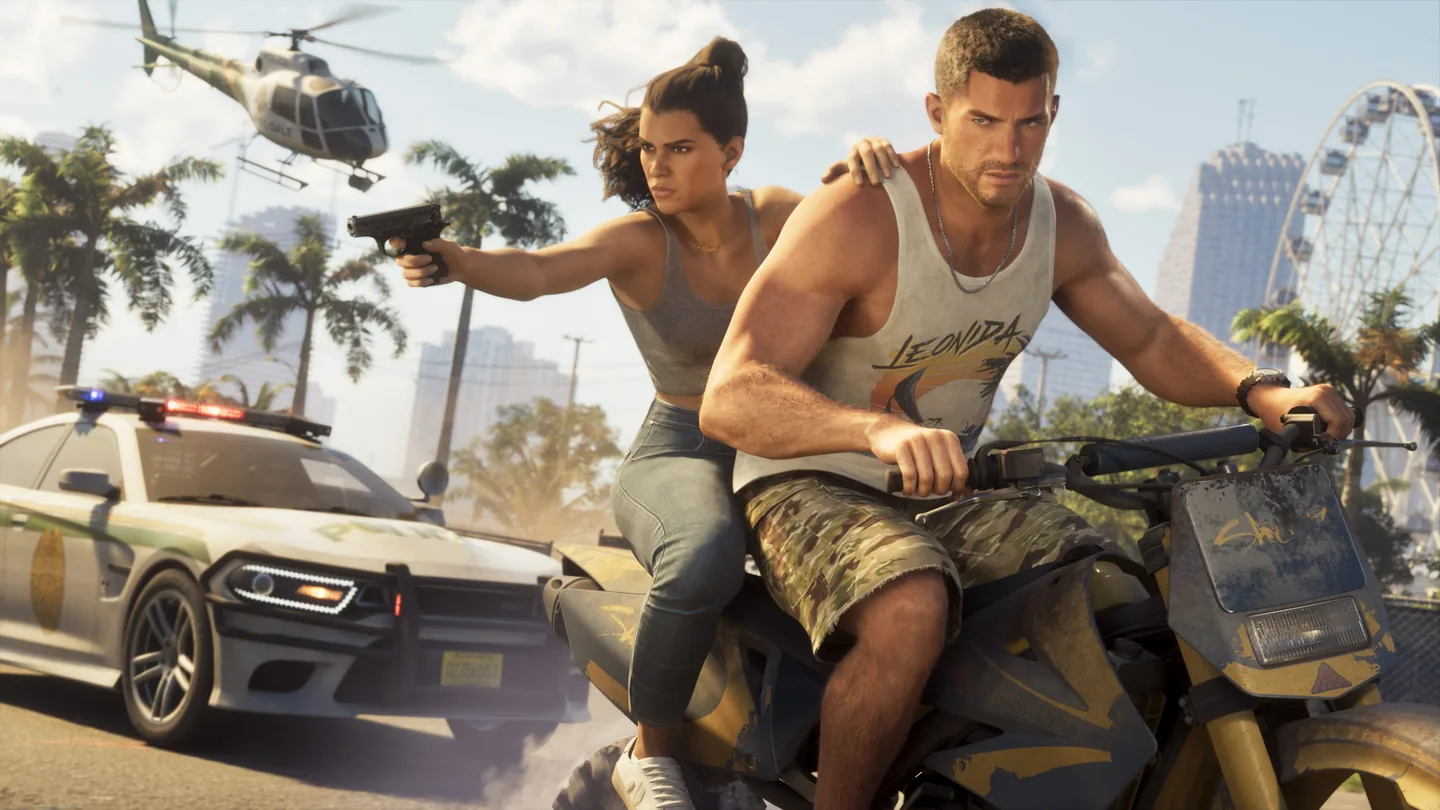
When you have both protagonists in the vehicle and the partner action is available, hold Right on the D-pad and use R1 on PS5 or RB on Xbox to switch characters. That lets the other character drive. Check the Partner Menu prompt in the scene before switching.
Frequently asked questions
Does Restricted disable Auto Drive everywhere?
No. The in-game setting limits it to safer situations. You still need a destination and Cinematic mode.
How do I stop Auto Drive?
Hold Down on the D-pad to exit Cinematic mode and resume manual driving.
What players are asking
Can the car follow a route while the camera changes angles?
Launch-day cinematic driving discussion