Vehicles
GTA 6 How to Do a Car Burnout With Both Triggers
Quick answer
Stop the car on flat pavement and keep the left stick centered. Hold the brake and throttle together. Use L2 and R2 on PS5 or LT and RT on Xbox with Default controls. Watch for rear-wheel smoke, then release the throttle while holding the brake to stop.
Start with the car stopped and the wheel straight
- Park the car on flat open pavement. Switch to an exterior camera so you can see the rear tires and their movement against a line or curb.
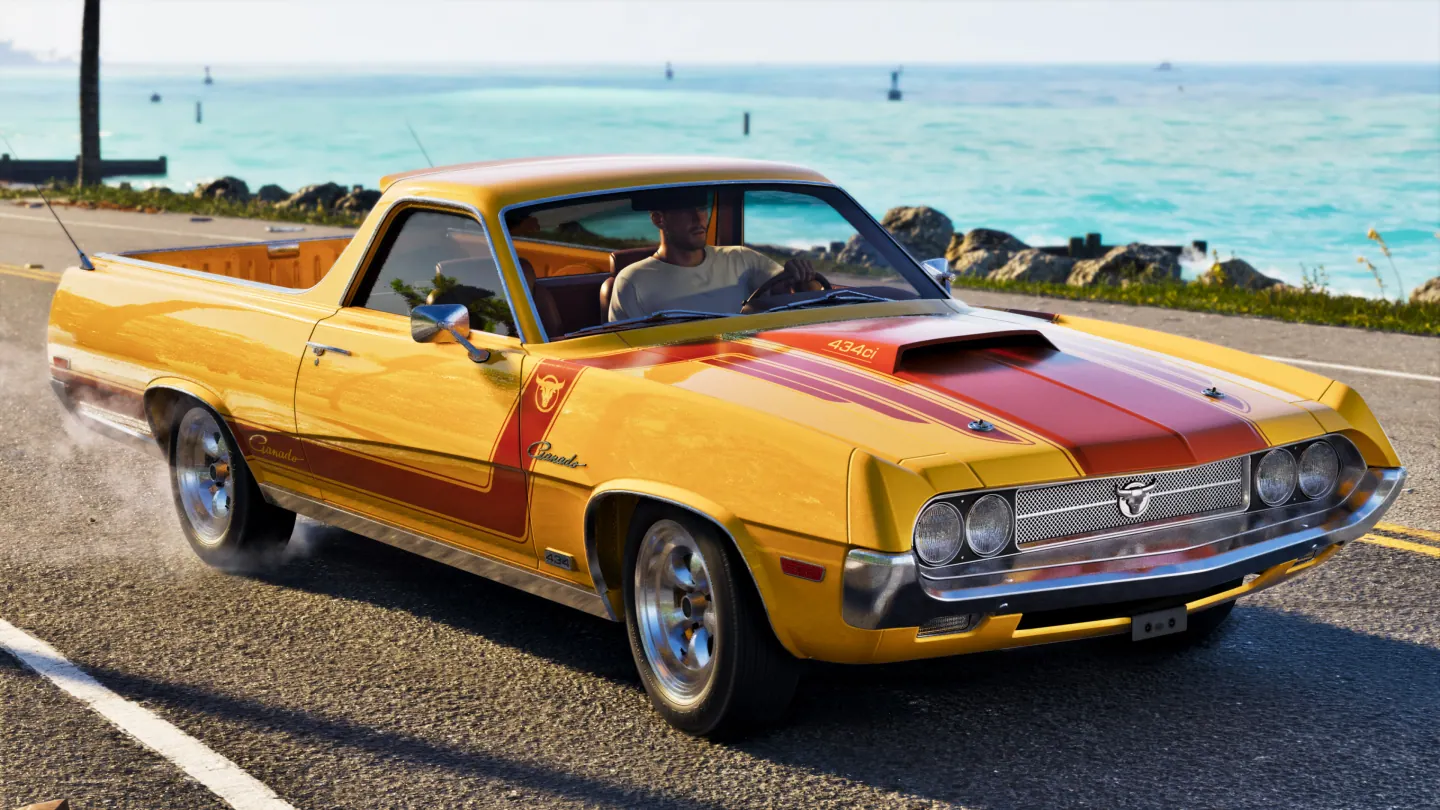
- Hold the brake, then squeeze the accelerator while keeping the brake down. The two-trigger demonstration shows smoke coming off the rear tires as the car stays close to its starting point.
- Keep the steering centered if you want to hold your position. To finish, lift off the accelerator first and let the car settle. If it moves away before you see smoke, stop and confirm the brake and throttle bindings in your control layout.

Watch the tires if you keep spinning them
A separate PS5 run keeps a pickup spinning for longer before stopping in a driveway. Sparks appear near the rear wheel. Once the driver gets out, the rear of the pickup sits low on the damaged tire. A short burnout is enough to get the visual effect.
A burnout is rear-wheel spin while you hold the vehicle with the brake. For a moving slide, change to a wider practice area and follow the drifting steps. For a motorcycle wheelie, use the front-wheel lift sequence for bikes.
Frequently asked questions
Do both triggers have to stay down?
Use both for the stationary effect. Releasing the brake with the throttle still down can make the car drive away.
Can the rear tire get damaged?
Yes. The filmed prolonged test shows sparks and a damaged rear tire after stopping.