Setup & support
Can You Turn Off the GTA 6 Vignette?
Quick answer
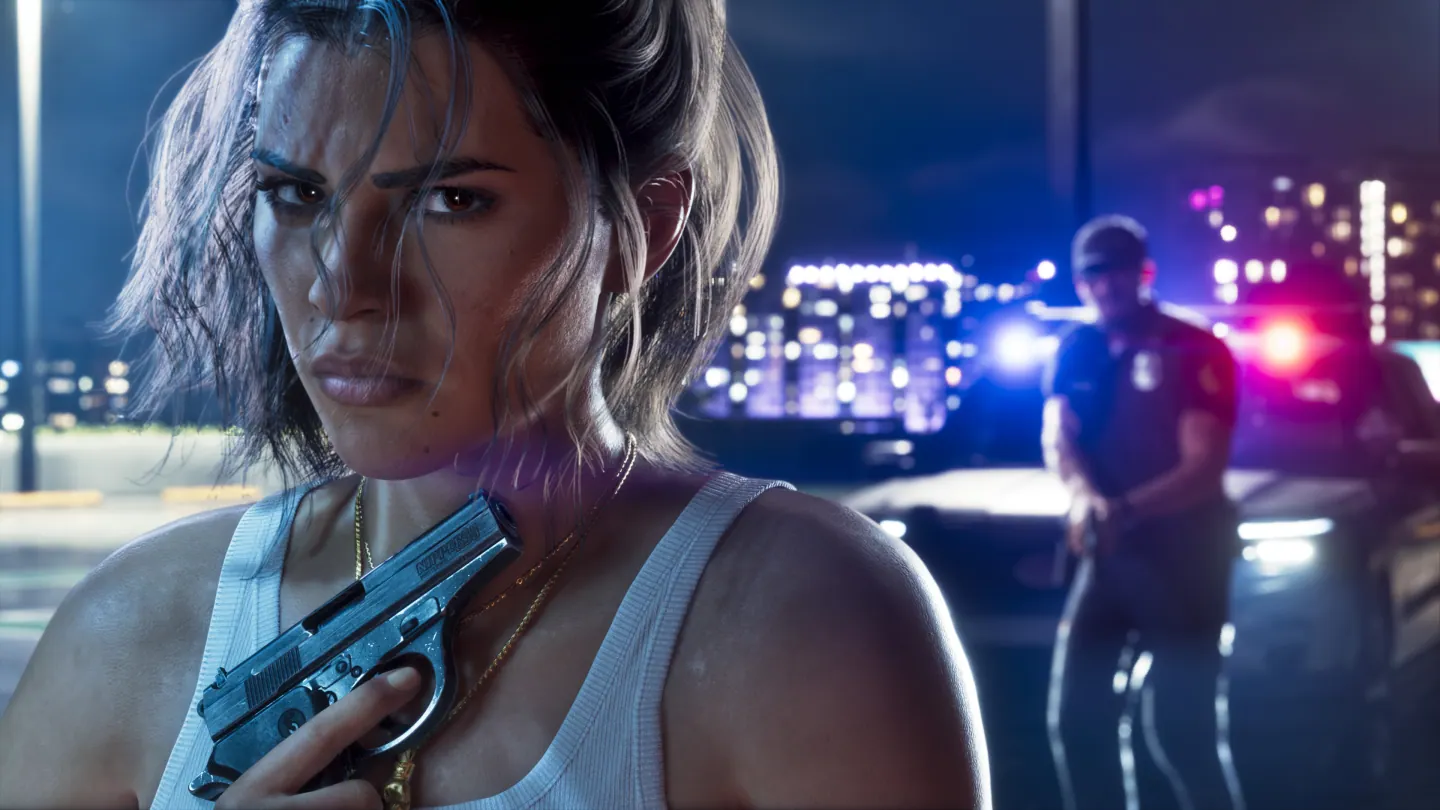
Rockstar’s Michael Kane said the GTA VI vignette is an artistic choice, with no off switch at launch. Rockstar also said it fixed a case where the effect was stronger than intended. If the whole image looks dark or washed out, use the HDR calibration for your display.
Identify the effect by what changes
| What you see | Setting or next check |
|---|---|
| Corners look shaded while the center looks normal | This matches Rockstar’s description of the vignette. |
| Edge effect changes with a threat or police alert | Review Awareness Effects Intensity under Settings → Display. |
| Whole image is dim, gray or washed out | Compare the same scene in your console’s HDR and SDR output modes. |
| HUD clipped at the screen edge | Check Safe Zone and the TV’s picture fit. |
Check the installed update before comparing
Rockstar did not identify a specific patch number for the fix in the interview. Check that the game is updated before comparing screenshots or video.
Motion Blur Strength addresses camera movement. To diagnose a persistent dark border, compare a stationary scene in free roam with a console screenshot of that scene and the TV’s own menu.
Frequently asked questions
Can Motion Blur Strength turn off the vignette?
Motion Blur Strength changes the blur during movement. Rockstar says the vignette had no toggle at launch.
Did Rockstar acknowledge a vignette issue?
Yes. Kane said the team fixed an issue that made the effect stronger than intended in some circumstances.
What players are asking
Why do the edges become darker in some scenes?
Launch players discuss the dark corners