Controls & settings
How to Buy and Equip Body Armor in GTA 6
Quick answer
Buy a body armor vest from an Ammu-Nation clerk under Equipment. Hold L1 or LB, press R1 or RB to switch to Items, then select Body Armor and press Cross or A to switch it on. A blue bar above health shows equipped armor.
Find a vest under Equipment
At Chuck’s Tackle and Shot in Key Lento, the Chapter 1 gun store, look at the right wall for a vest. You can also talk to a clerk at an Ammu-Nation and look under Equipment. Store stock can vary.
After the purchase, check the Items wheel before leaving. If you already have a vest in the wheel, switch it on there.
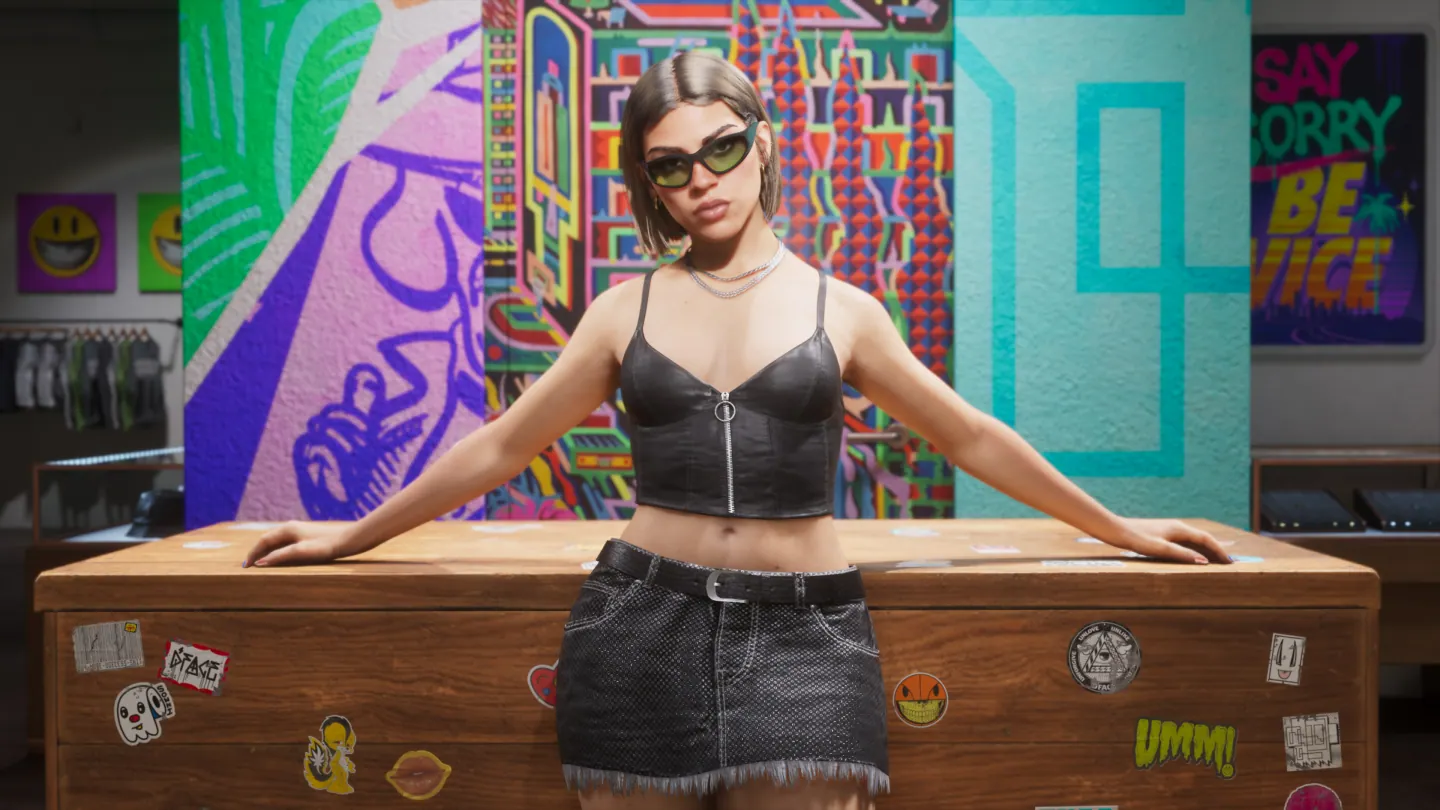
Check the active vest and the blue bar
- Hold L1 on PS5 or LB on Xbox to open the wheel. Press R1 or RB to switch to Items.
- Highlight Body Armor and press Cross or A. Look for the On state and the blue armor bar above the health display.
- When the blue bar is depleted, obtain a replacement vest. Keep using your regular healing item for the health bar.
Frequently asked questions
Does buying armor equip it automatically in GTA 6?
Switch it on in the Items wheel and look for the blue armor bar.
How do I refill the blue armor bar?
Find or buy a replacement vest after the equipped armor is depleted.