Controls & settings
How to Show Health, Ammo and Money on the GTA 6 HUD

Quick answer
Turn Player Vitals and Money on under Pause → Settings → UI → Player & Vehicle Status. Turn Ammo on under UI → Combat. Tap D-pad Down in ordinary free roam to recall vitals or money briefly.
Restore the rows you need
| Readout | Settings → UI group | Setting |
|---|---|---|
| Health, stamina and Focus | Player & Vehicle Status | Player Vitals |
| Cash | Player & Vehicle Status | Money |
| Vehicle name, fuel and condition | Player & Vehicle Status | Vehicle Name & Status |
| Ammo for the equipped weapon | Combat | Ammo |
| Equipped weapon image | Combat | Weapon Preview |
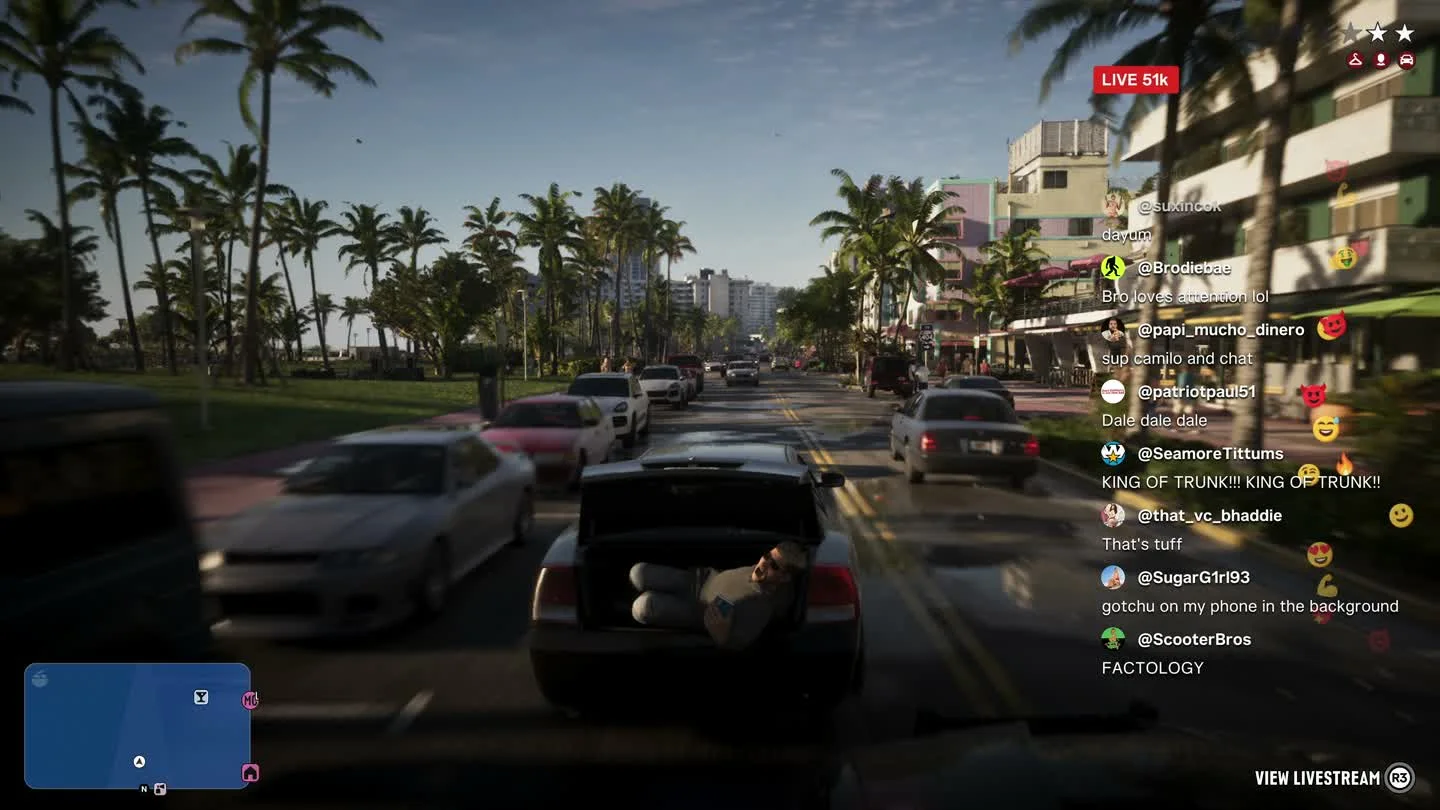
Check the right display during play
The launch tutorial places the heart and health bar near the upper left, and a blue armor bar appears above health with a vest equipped. The combat ammo count appears in the upper right with the loaded amount and reserve.
Tap D-pad Down in free roam to recall vitals and other status readouts. In the Aiming preview, holding it can zoom a scope out. Let go of aim and use a quick tap for the normal HUD recall.
Frequently asked questions
Why is there no blue bar above health?
The blue bar is armor. A vest must be equipped and have armor remaining.
How do I bring back a missing ammo counter?
Open Settings → UI → Combat, enable Ammo, then equip a weapon and check the upper-right HUD.