Controls & settings
GTA 6: Wear a Cap Backwards or Change Glasses on the Go

Quick answer
Hold L1 on PS5 or LB on Xbox to open the loadout, then press R1 or RB to switch to Items. Highlight Headwear on the right. With a compatible cap on, use D-pad Up or Down when Wear Style is shown. Choose the Eyewear tile on the left to put on or remove glasses.
Change how a compatible cap is worn
The Baseball Cap in the recording exposes Wear Style. Check the prompt on your own headwear, since the available actions depend on the item. For a full outfit, use the wardrobe or an outfit already stored in a personal vehicle.
- Keep L1 or LB held. Switch from Weapons to Items with R1 or RB, then use the right stick to highlight the headwear icon on the right.
- Select the cap. If it reads Off, use Put On with Cross on PS5 or A on Xbox. Once it is on, look for Wear Style beside the D-pad prompt at bottom right.
- Press D-pad Up or Down to cycle the supported styles, then release the wheel to see the result. If you want the cap off, reopen its tile and use Take Off.
Adjust both accessories during Unwanted Attention
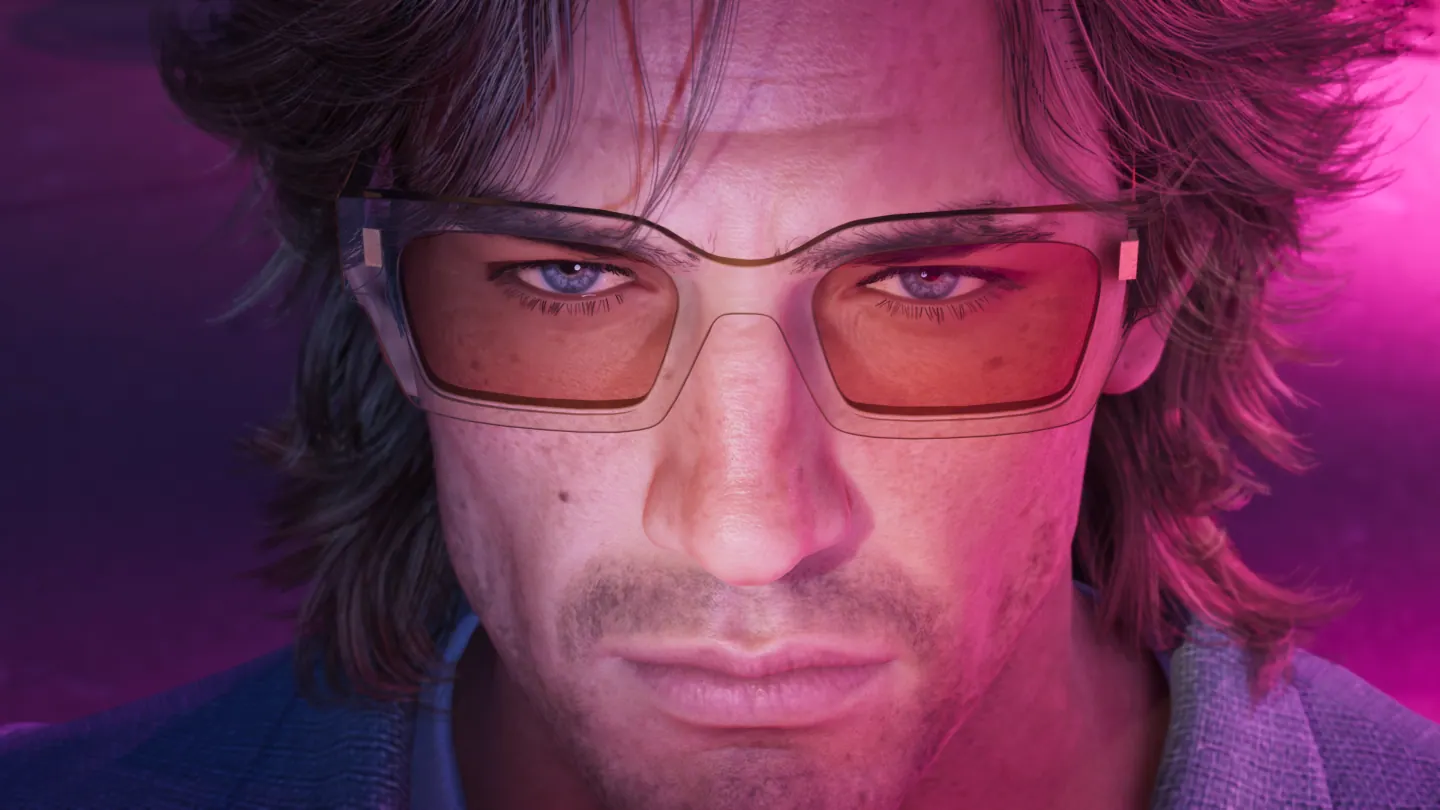
- When the HUD asks you to adjust your hat and glasses, open Items from the loadout. Highlight the cap under Headwear and use Take Off, as shown in the recorded mission.
- While still in Items, move to Eyewear on the left. Select the glasses and use Put On. Close the wheel and check for Buy an Outfit at Big Shots.
- If the HUD still shows the accessory step, reopen Items and verify the changed state of both tiles before going to the clothing shop.
Frequently asked questions
Why is there no Wear Style for my hat?
Check that it is on and that Headwear is highlighted. The prompt only appears for supported style changes.
Can I change glasses outside a safehouse?
Yes. Open Items, highlight Eyewear on the left, and follow the displayed Put On or Take Off prompt for the selected glasses.
Why does Unwanted Attention still ask me to adjust my hat and glasses?
In the recorded route, the cap is removed and the glasses are put on before the objective advances. Check both tiles and make sure the HUD changes to Buy an Outfit at Big Shots.