Controls & settings
GTA 6 Holster in Vehicle: Why Your Gun Goes Away in a Car

Quick answer
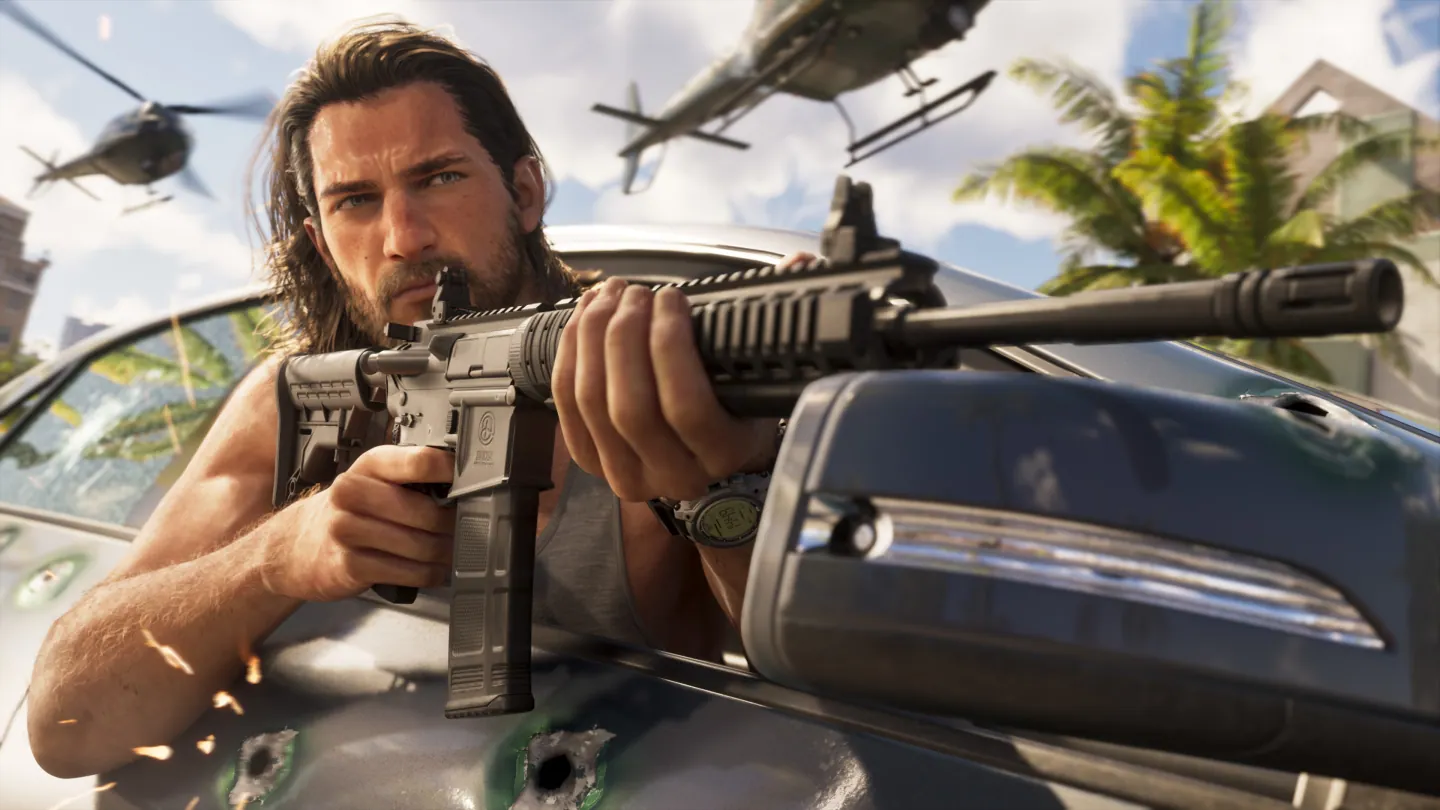
In GTA 6, go to Settings → Gameplay → Combat → Holster in Vehicle and choose Manual to keep a drawn weapon from automatically going away after a short time outside combat. Automatic puts it away for you. If the issue is that aiming and pressing the fire trigger draws the last weapon again, adjust Quick Draw in the same group.
Check whether the vehicle is holstering after combat
- Pause and open the Gameplay tab. In Combat, scroll past Targeting, Drive-By Assist and Quick Draw to the Holster in Vehicle row just above Movement.
- Choose Automatic to stow a drawn weapon after a short time in a vehicle outside combat. Switch to Manual if you want to control when it is put away.
- Retest from the same vehicle and seat in free roam after combat ends. If the desired gun does not appear at all when you try to equip it, inspect the current character’s loadout before retesting the holster behavior.

Find the control that brings the weapon back out
| What you are trying to do | Which control applies |
|---|---|
| Stop the automatic stow after a drive-by ends | Set Holster in Vehicle to Manual and compare from the same seat. |
| Control what happens when you aim and then press fire from a holstered state | Check Quick Draw. On the standard aim and fire controls, the in-game setting uses L2 followed by R2 on PS5 or LT followed by RT on Xbox. |
| Switch between the specific weapons you equipped | Use the separate Quick Swap action while aiming, or open Weapons in the loadout to select a slot. |
| Put away a gun while standing on foot | On the Default scheme, tap L1 on PS5 or LB on Xbox. Holding that bumper opens the loadout. |
Frequently asked questions
Which setting keeps my character from putting the gun away after the chase?
Use Manual in Holster in Vehicle. The Automatic description applies when you are inside a vehicle and out of combat.
Does switching to Manual also disable Quick Draw?
Quick Draw has its own On or Off switch further up the Combat group. Read its description if you want to change the aiming-and-fire shortcut too.