Controls & settings
GTA 6 Aim While Driving: Why the Aim Trigger Brakes
Quick answer
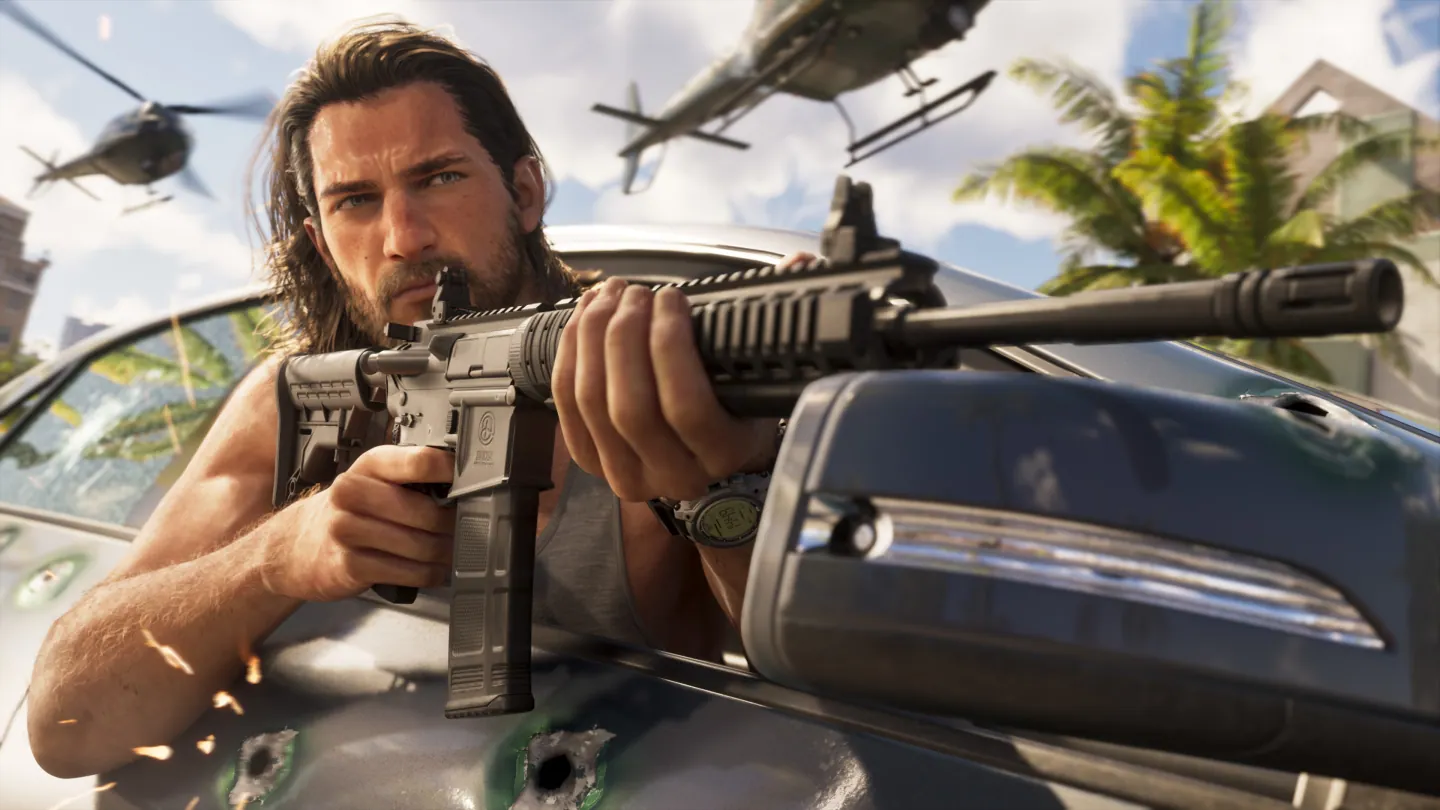
While driving in GTA 6, L2 on PS5 and LT on Xbox operate the brake and reverse. Tap L1 or LB to draw a sidearm, turn the camera with the right stick to aim, then press R1 or RB to fire. Check for the weapon icon and ammunition in the corner. If your character only gestures, draw the sidearm before pressing Fire.
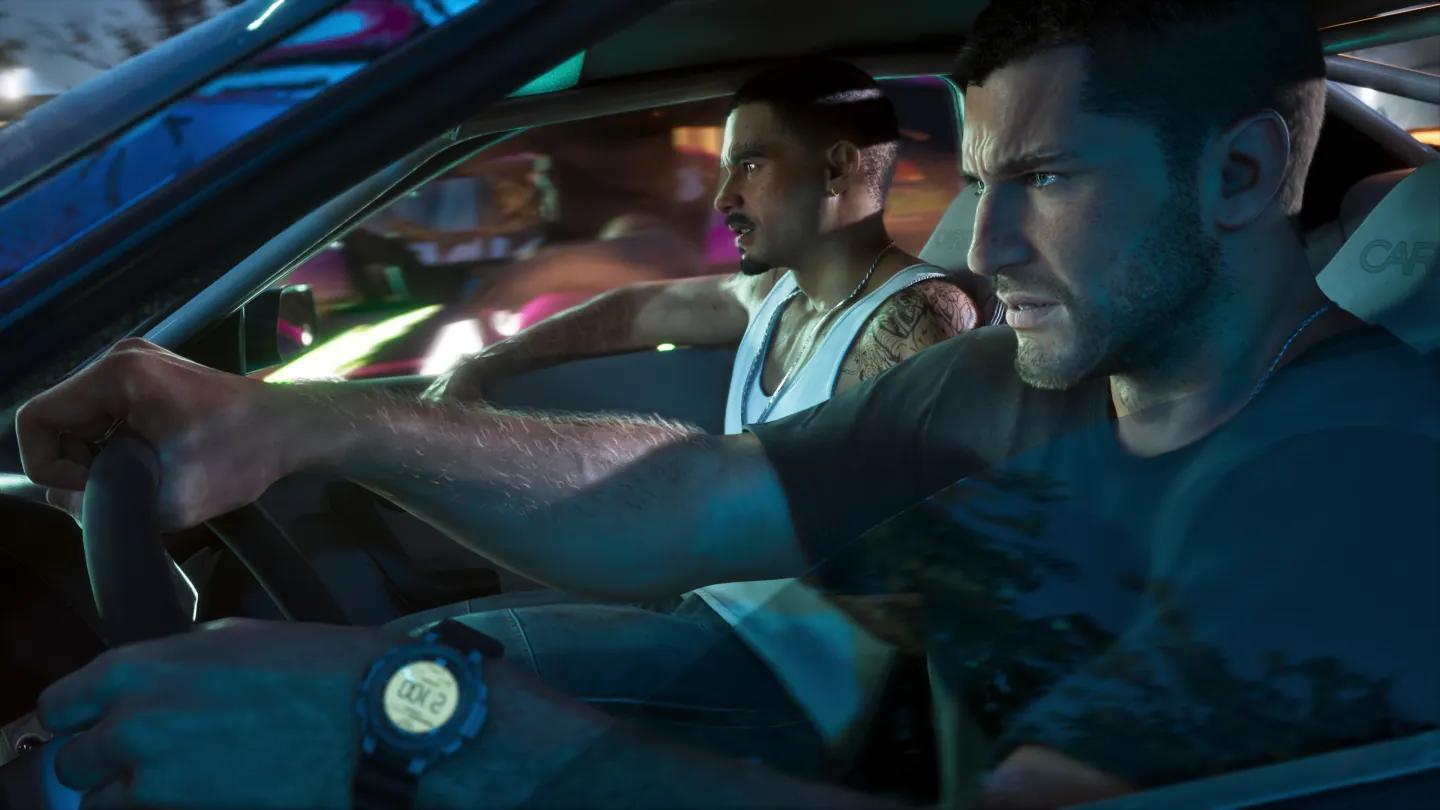
Look for the weapon icon before trying to fire
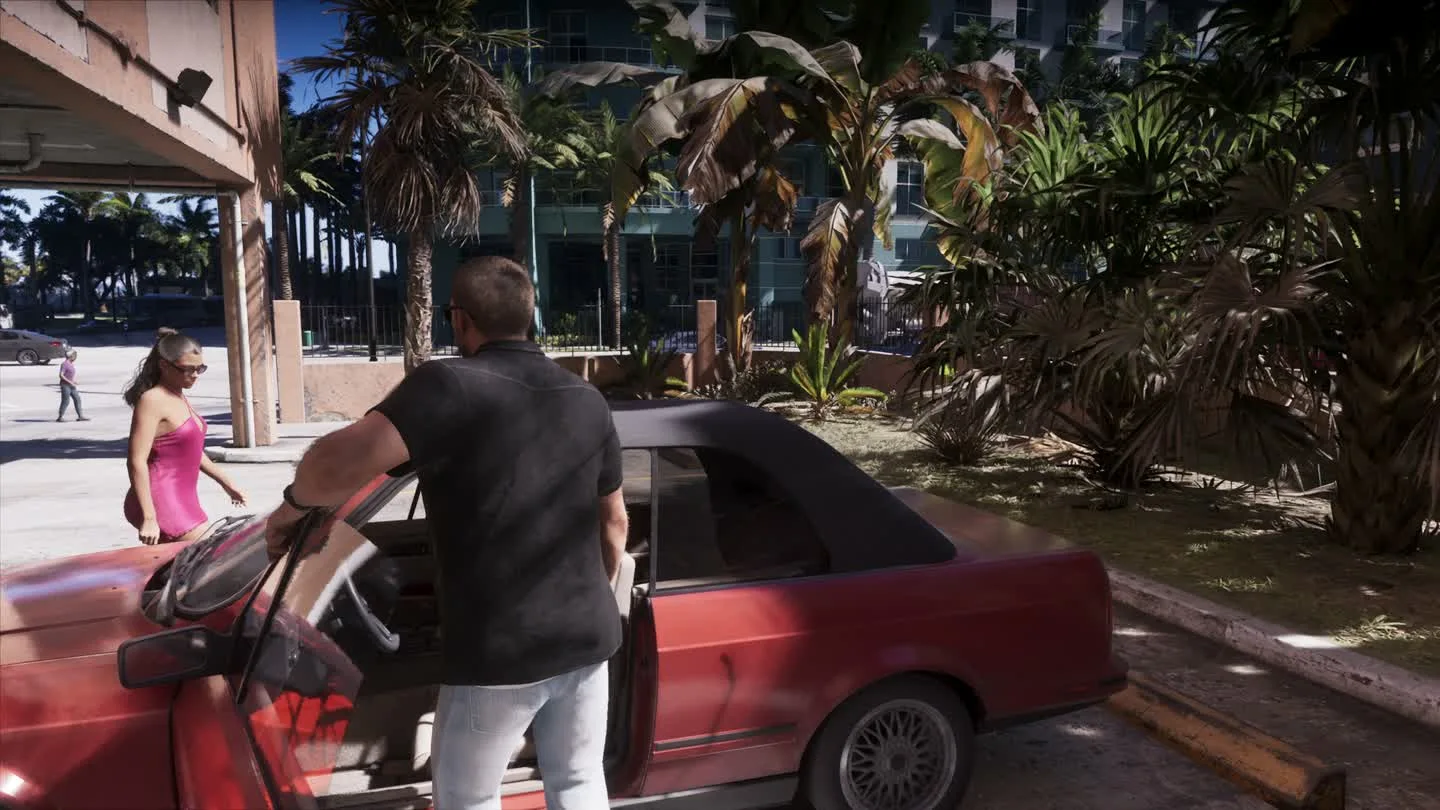
- Start with the default layout in an ordinary car. Tap the left bumper once and watch for a weapon icon and ammunition in the upper-right HUD. The filmed pickup example shows that change before the driver aims to the side.
- If R1 or RB plays a gesture and the HUD shows no weapon, use Draw Sidearm first. If a tap still leaves the HUD empty, hold the same left bumper to open the vehicle weapon selection and check what the game offers for your current loadout.
- If you are slowing or backing up as soon as you try to aim, release the left trigger and turn the camera with the right stick instead. If the buttons still feel wrong, compare them with your active Driving layout and any console-level remap.
Find Drive-By Assist if vehicle aiming feels difficult
Open Settings → Gameplay → Combat and look for Drive-By Assist. This is the setting for assistance while aiming from a vehicle. Check it if you can bring the sidearm up and fire but aiming from the driver’s seat feels different from using the same weapon on foot.
The Combat panel also shows Holster in Vehicle. If you start with a weapon equipped on foot and it disappears when you get in, check that setting, then use Draw Sidearm and confirm the weapon HUD for the driver’s seat.
Frequently asked questions
Do I keep holding L1 or LB to aim?
Tap it to draw, then aim with the right stick. Holding that bumper opens the vehicle weapon selection.
Why did my character make a gesture when I pressed R1 or RB?
The default driving layout uses that button for a gesture while the sidearm is away. Draw with L1 or LB and check for the ammunition HUD.
Why does R2 or RT accelerate instead of firing?
The right trigger stays on the accelerator when driving. Use the right bumper once the sidearm is drawn.