Controls & settings
GTA 6 Helmet Visor: Raise or Lower the Face Shield
Quick answer
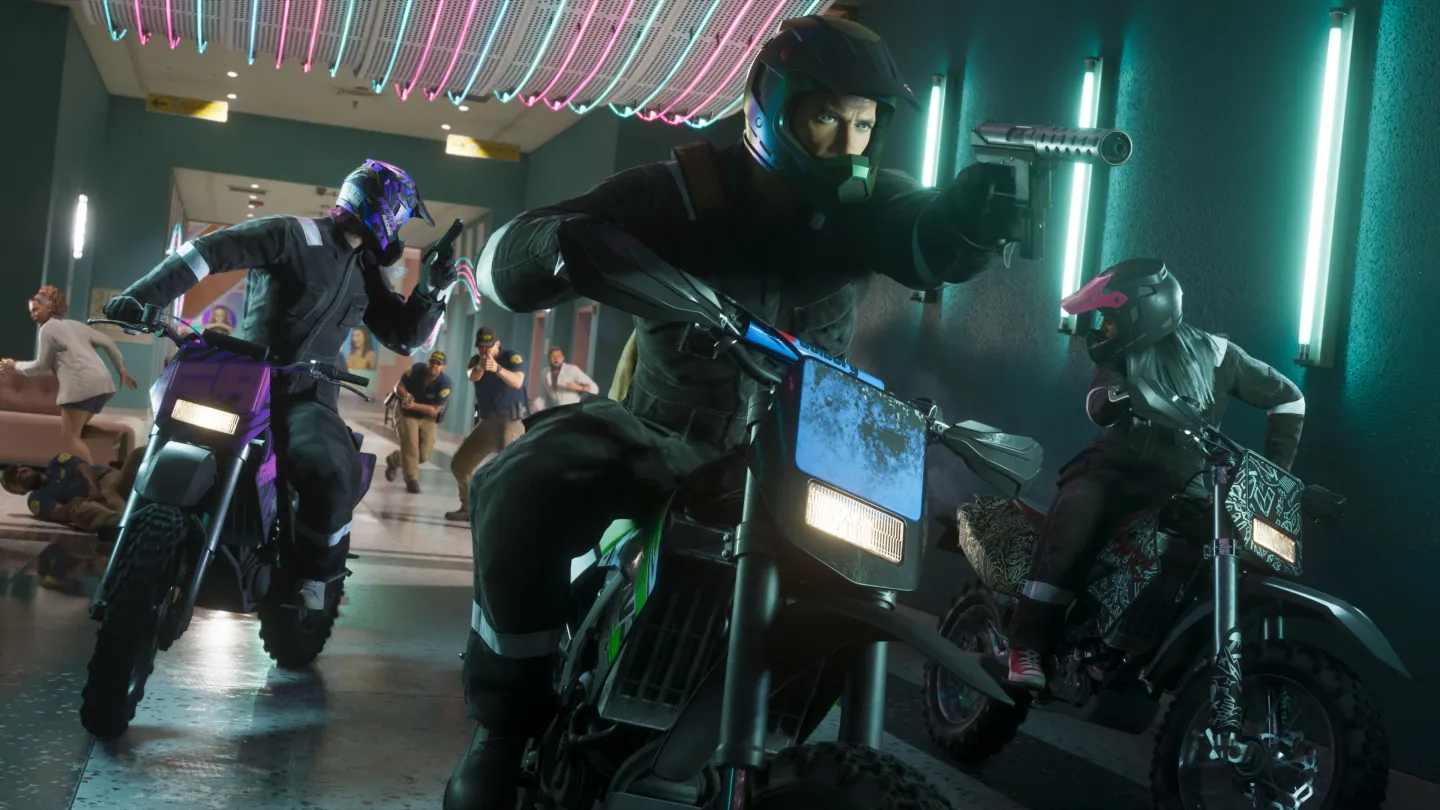
With a compatible motorcycle helmet equipped, stop the bike and hold L1 on PS5 or LB on Xbox. Use R1 or RB to switch the loadout wheel to Items. Highlight the helmet itself with the right stick and use D-pad Up or Down on Wear Style. In the filmed Iridescent Green & Gold helmet, Wear Style 1/2 raises the face shield and 2/2 lowers it.
Move to the equipped helmet instead of the cap
- With the bike parked, open the loadout wheel and switch from Weapons to Items. The recorded PS5 menu has the helmet in the upper-right part of the wheel, above the Baseball Cap.
- Highlight the helmet so its name appears in the middle of the wheel. The test shows Iridescent Green & Gold with its status set to On. If your helmet is Off, use the displayed Put On action first.
- Use the D-pad direction shown for Wear Style. The recording switches between 1/2 and 2/2 while keeping the same helmet name on screen. Release the wheel and rotate the camera to check whether your character’s face is visible.
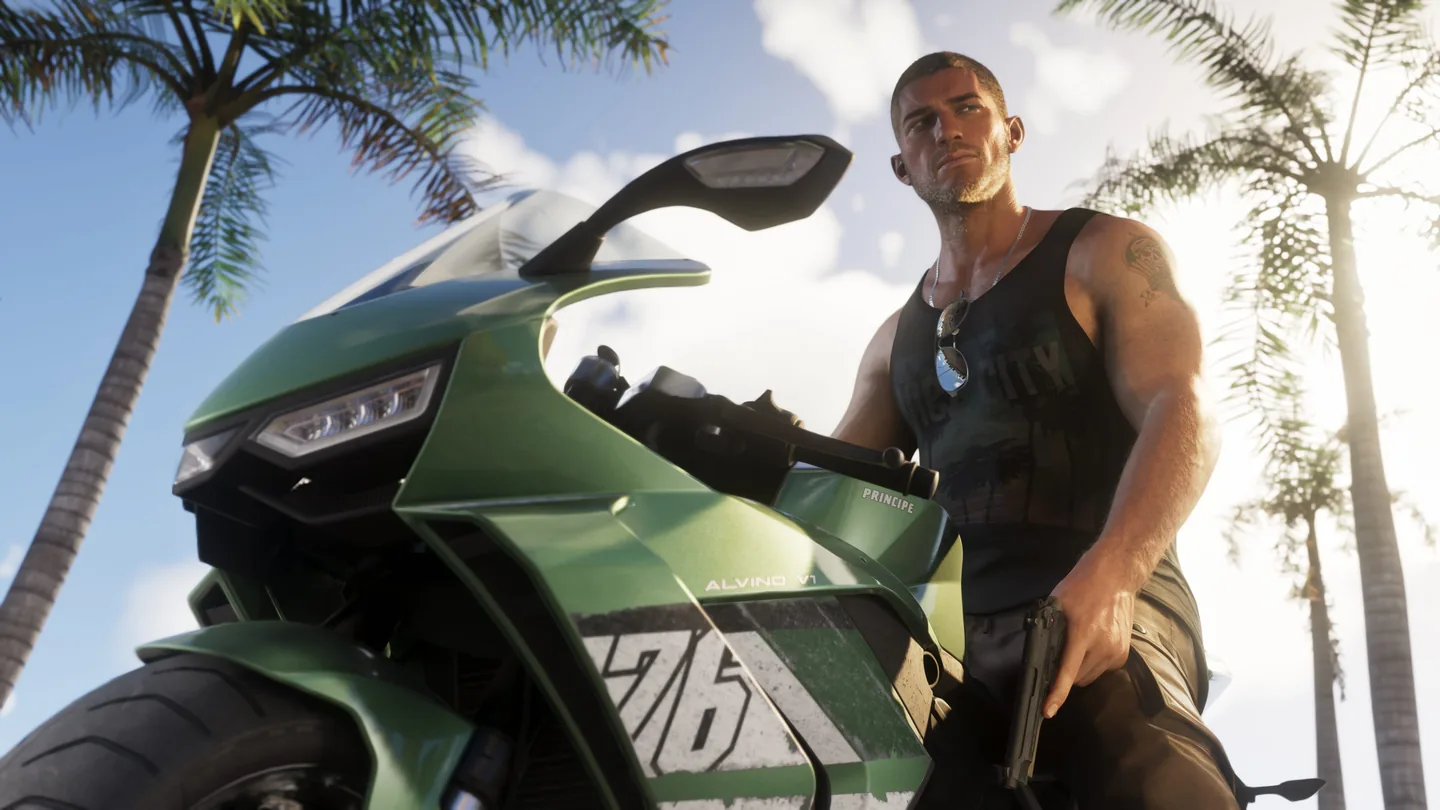
Check the three controls that can change what you see
If Wear Style is missing, confirm you chose the helmet tile and that its status says On. The cap has its own style choices. If the helmet still offers no Wear Style prompt, try another available helmet and check its HUD.
If the helmet disappears after you get off, check Auto Equip Helmet before testing again on the same bike. Test visor position from the side once the overlay closes.
| What the HUD shows | What it changes |
|---|---|
| Wear Style | The position of the face shield on the currently highlighted compatible helmet. |
| Helmet Style | The helmet selection. Read the helmet name again after using this prompt. |
| Take Off | Whether the helmet is worn. If the helmet comes off entirely, use Put On again and change Wear Style. |
| Auto Equip Helmet in Gameplay | When a helmet appears or disappears as you mount and dismount. |
Frequently asked questions
Can I open the visor without taking off the helmet?
Yes. With the helmet highlighted and On, use Wear Style and leave the Take Off action alone.
Why is my cap turning instead of my visor?
Check the selected headgear name, then move up to the helmet in the Items wheel before changing Wear Style.