Vehicles
GTA 6: How to Open or Close a Convertible Roof

Quick answer
Stop the convertible and stay in the driver’s seat. Hold D-pad Left, flick the right stick up to Vehicle and scroll to Convertible Roof. Press Cross on PS5 or A on Xbox on Open Roof or Close Roof, then let go of the shortcuts and let the animation finish.
Use the state and action shown in the Vehicle row
- Bring the car to a stop. Hold D-pad Left to open the shortcuts. If a radio station is highlighted, keep holding the D-pad and flick the right stick up to Vehicle.
- Move left or right through the vehicle tiles using the shoulder buttons shown below them. Stop at Convertible Roof, between the window and headlight controls in the two recorded examples.
- Read the state below the tile. With Closed showing, choose Open Roof. With Open showing, choose Close Roof. Use Cross on PS5 or A on Xbox. Let go of the shortcut and watch the roof fold or extend before moving.

What to check if you only see Window or Headlights
Check the column on the left first. Vehicle is above Radio. Stay parked and look across the whole Vehicle row, since the visible tiles change as you scroll.
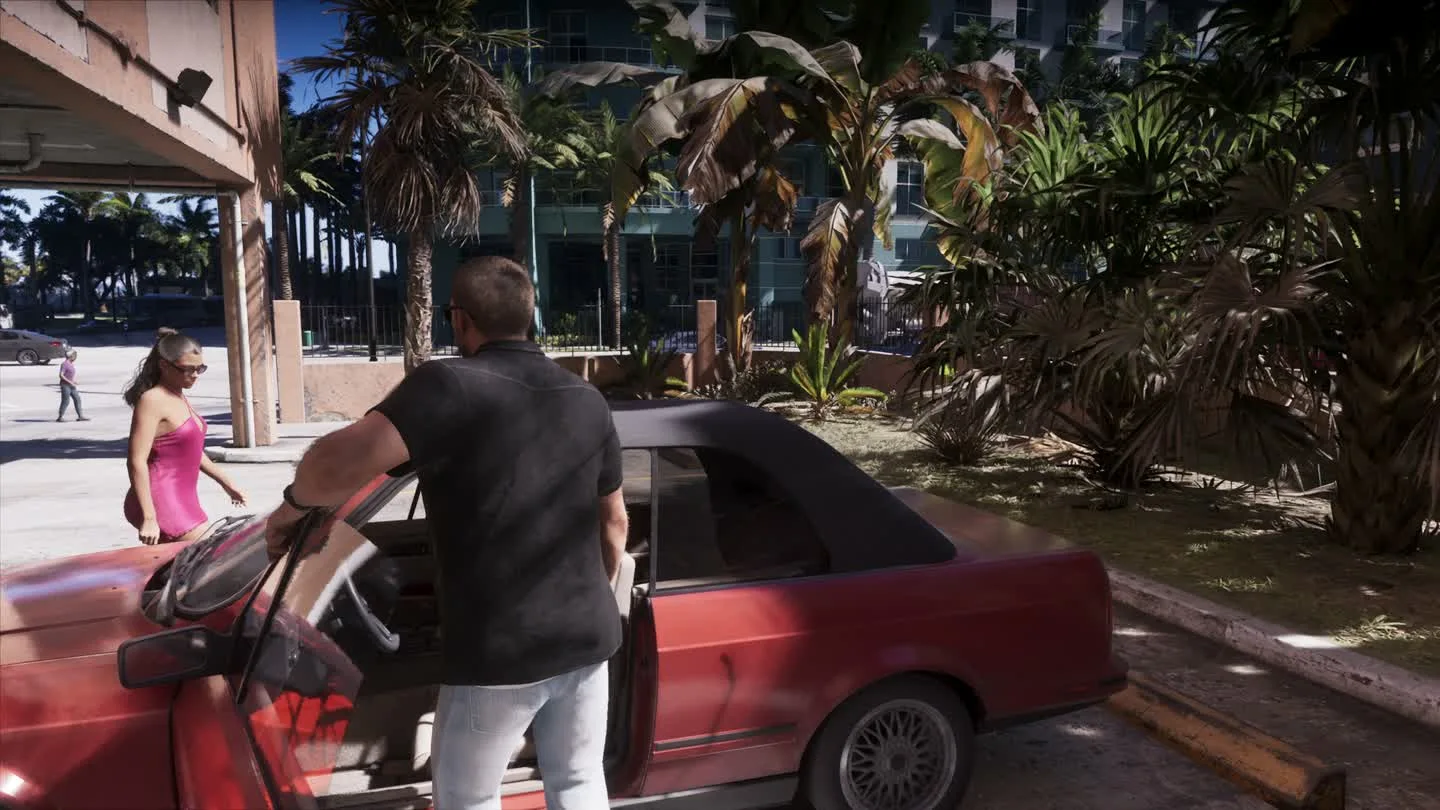
The Convertible Roof tile is specific to cars with an operating top. If your car’s full Vehicle row has no roof tile, try a verified example such as the Übermacht Apoc shown in the recording. Look for the exact Convertible Roof label before pressing the action button. Window is a separate control.
Frequently asked questions
Why did holding D-pad Left show radio stations?
Radio is one row of the shortcut menu. Keep holding D-pad Left and flick the right stick up to highlight Vehicle.
Does Window also move the convertible roof?
Window has its own action. Read the tile label and select Convertible Roof before pressing the confirm button.
Which car can I use to check whether it works?
Try the Übermacht Apoc. The recorded example shows the Open Roof action and the roof retracting after it is selected.