Vehicles
GTA 6: How to Leave the Car Engine Running or Turn It Off
Quick answer
Bring the car to a complete stop, then quickly double-tap Triangle on PS5 or Y on Xbox to get out with the engine still running. Use a single press for the usual exit. To shut the engine off while seated, hold D-pad Left, flick the right stick up to Vehicle and select Engine.
Which exit input should you use?
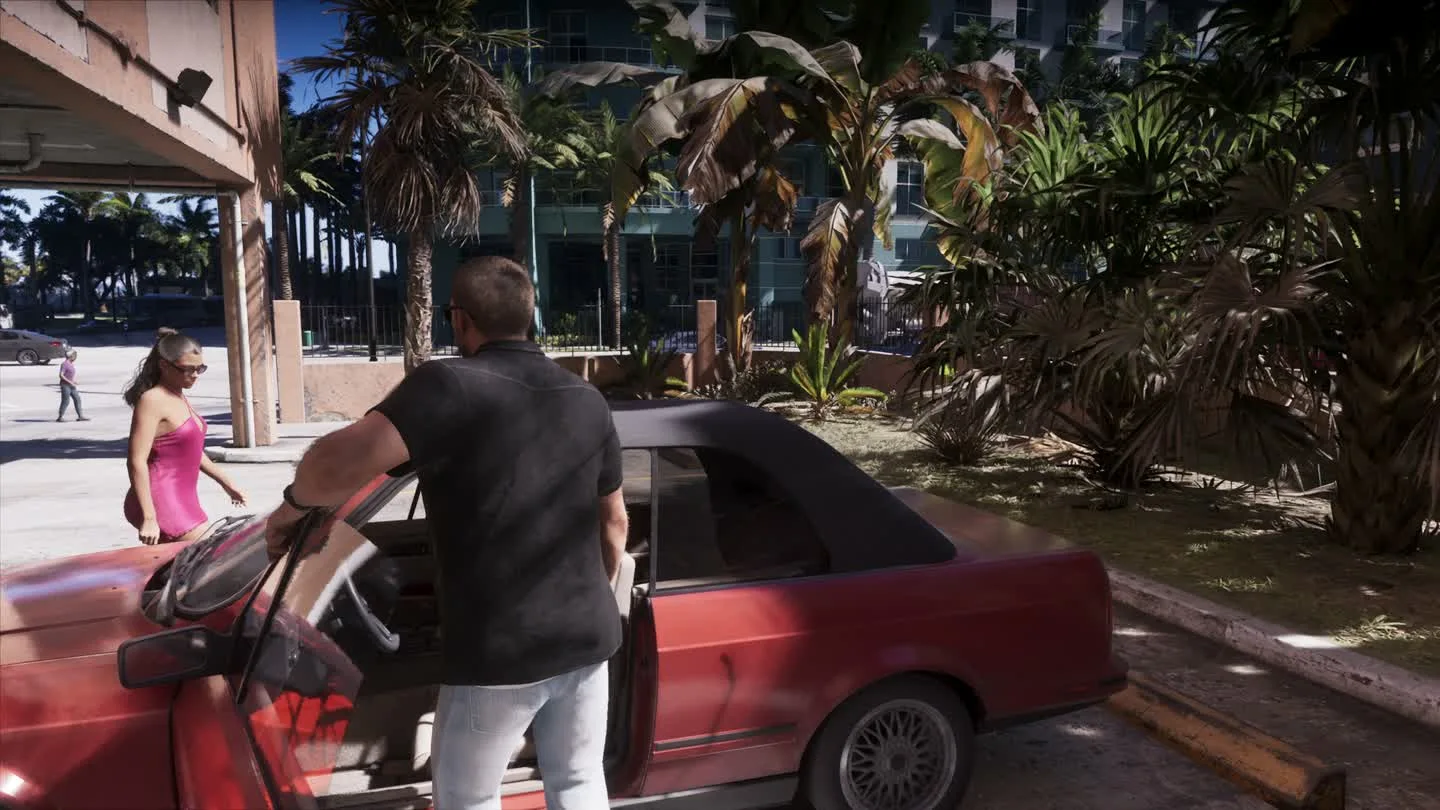
In the controls menu, the double-tap is called Jump Out / Leave Engine Running. The first half describes what happens while the car is moving. For an ordinary-looking exit with the engine idling, finish braking before you double-tap.
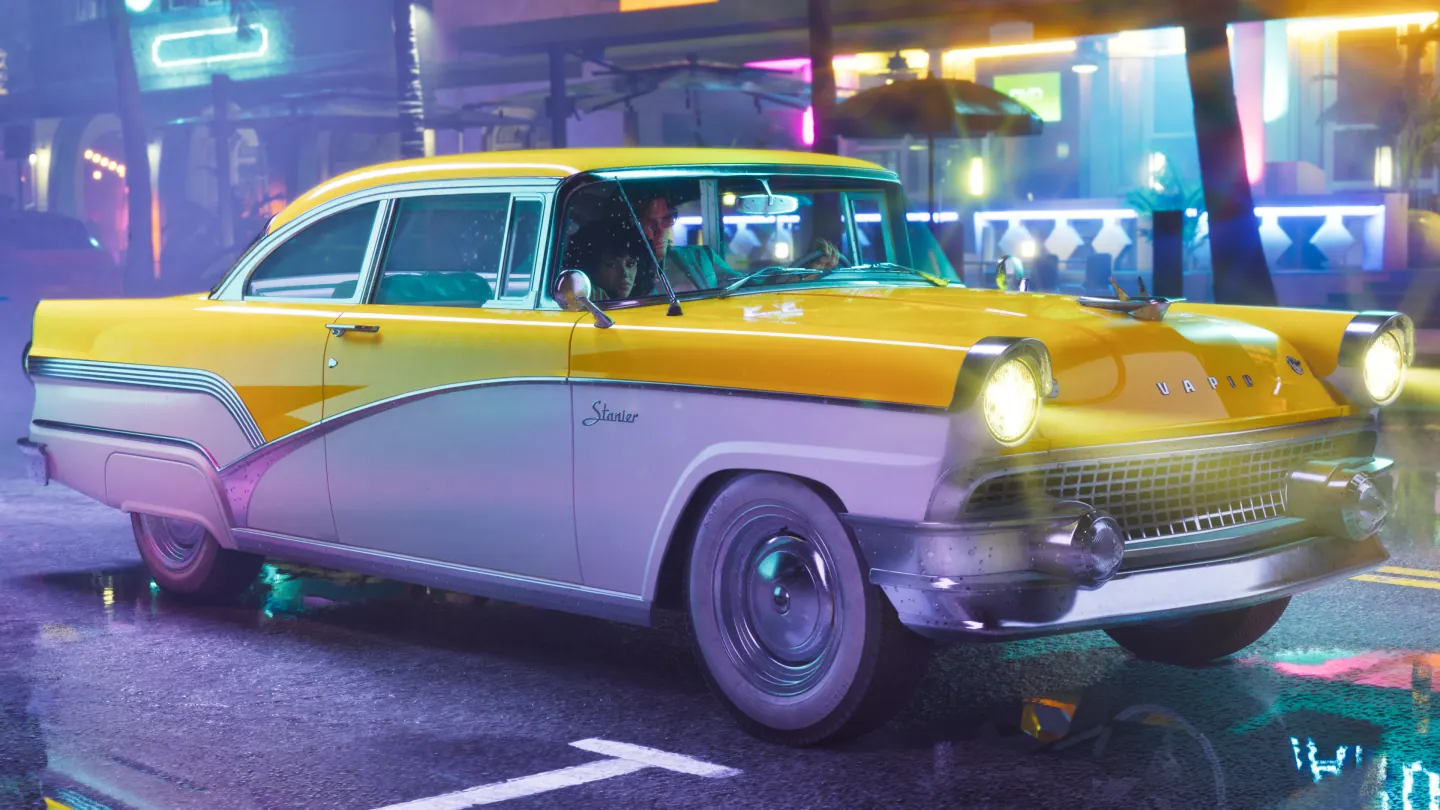
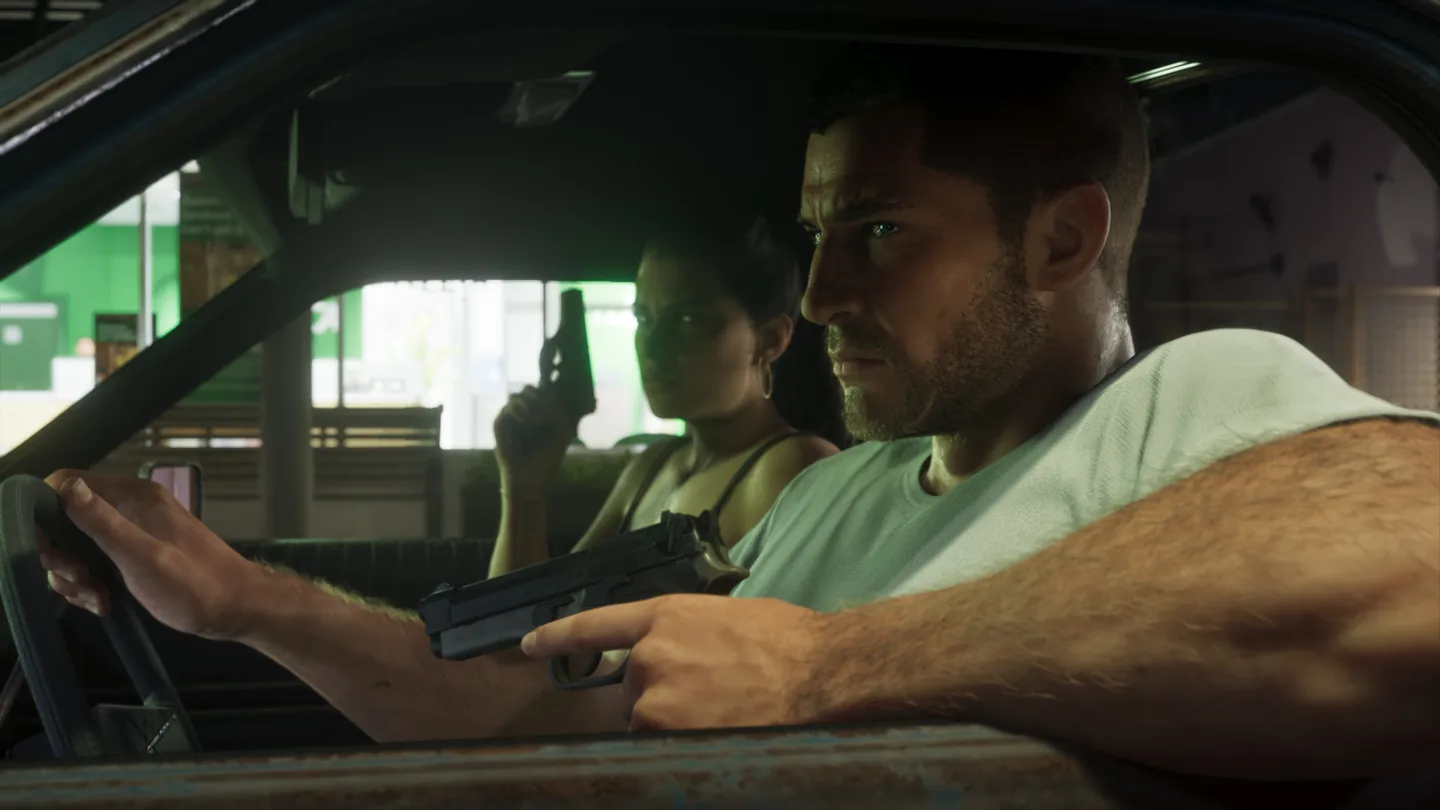
If you want a parked car to illuminate an area, switch the headlights on while seated and then use the double-tap. The nighttime clip shows the character standing beside the parked car with its lights still on. Select a station while seated if you want to try the same setup with the radio. Listen from beside the car so you can tell what is still playing after you step out.
| What you want to do | PS5 Default | Xbox Default |
|---|---|---|
| Get out normally | Press Triangle once | Press Y once |
| Leave a parked car running | Double-tap Triangle while stopped | Double-tap Y while stopped |
| Stop the moving car, then get out | Hold Triangle | Hold Y |
Where to find the engine switch
The menu is the way to check the engine state directly. Headlights have their own control in the same row, so a headlight setting by itself does not confirm the engine state.
- Stay in the driver’s seat with the vehicle stopped. Hold D-pad Left to open the shortcuts. A quick tap operates the turn signal.
- Flick the right stick up to select Vehicle. Move across the row past Headlights and the warning-triangle icon to Engine.
- Use the selection prompts until Engine reads Off. The gasoline-pump icon changes color in the recorded example.
Frequently asked questions
Why did Jason or Lucia jump out instead of parking?
The double-tap also jumps out of a moving vehicle. Let the car come to rest and use a quick double-tap from the stopped position.
Why did D-pad Left only turn on the blinker?
A tap signals left. Hold the button to open the shortcuts, then flick the right stick up to Vehicle.
Can I leave the headlights on after I get out?
With the lights already on, use the parked double-tap exit. The linked nighttime footage shows the lights still visible while the player stands by the car.