Vehicles
How to Refuel a Car in GTA 6
Quick answer
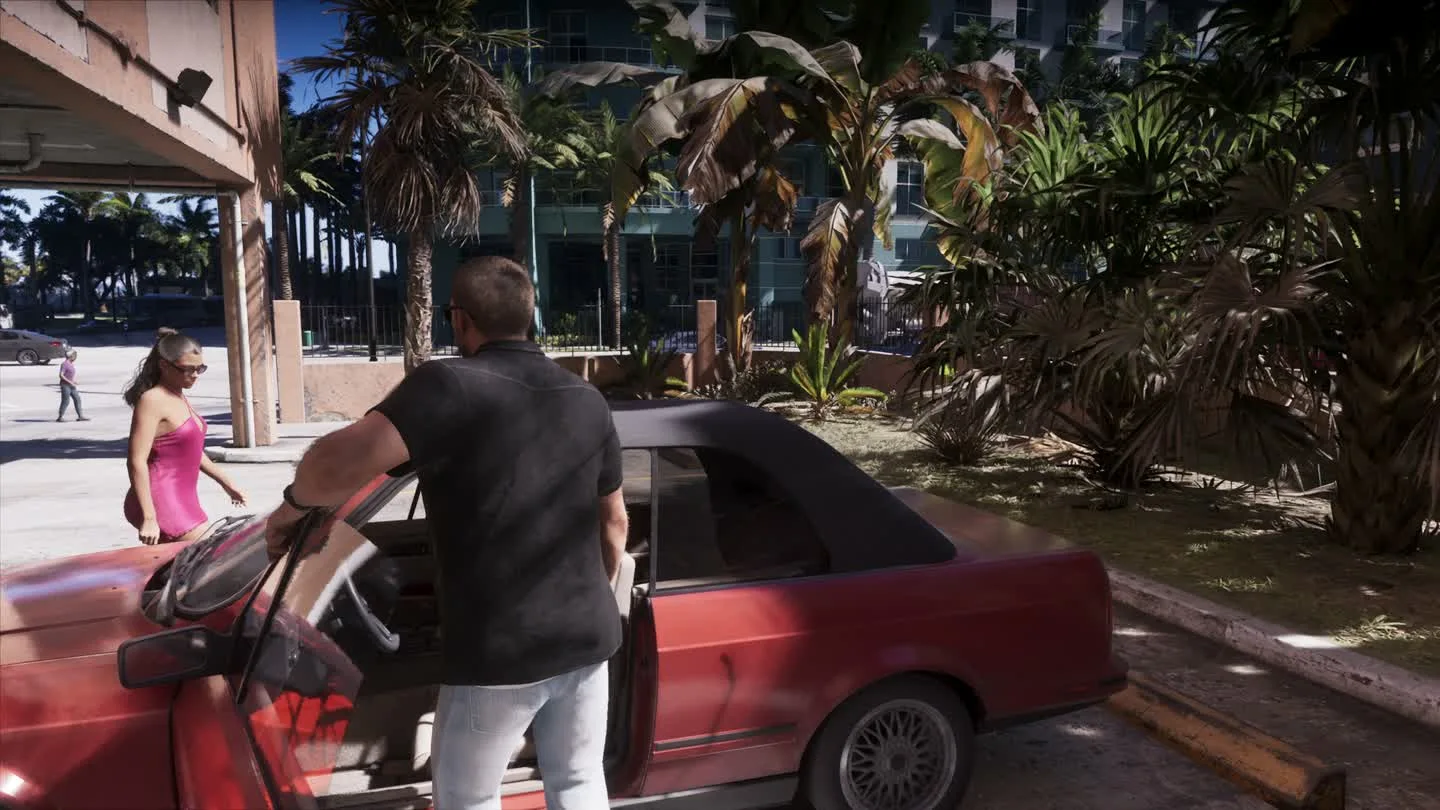
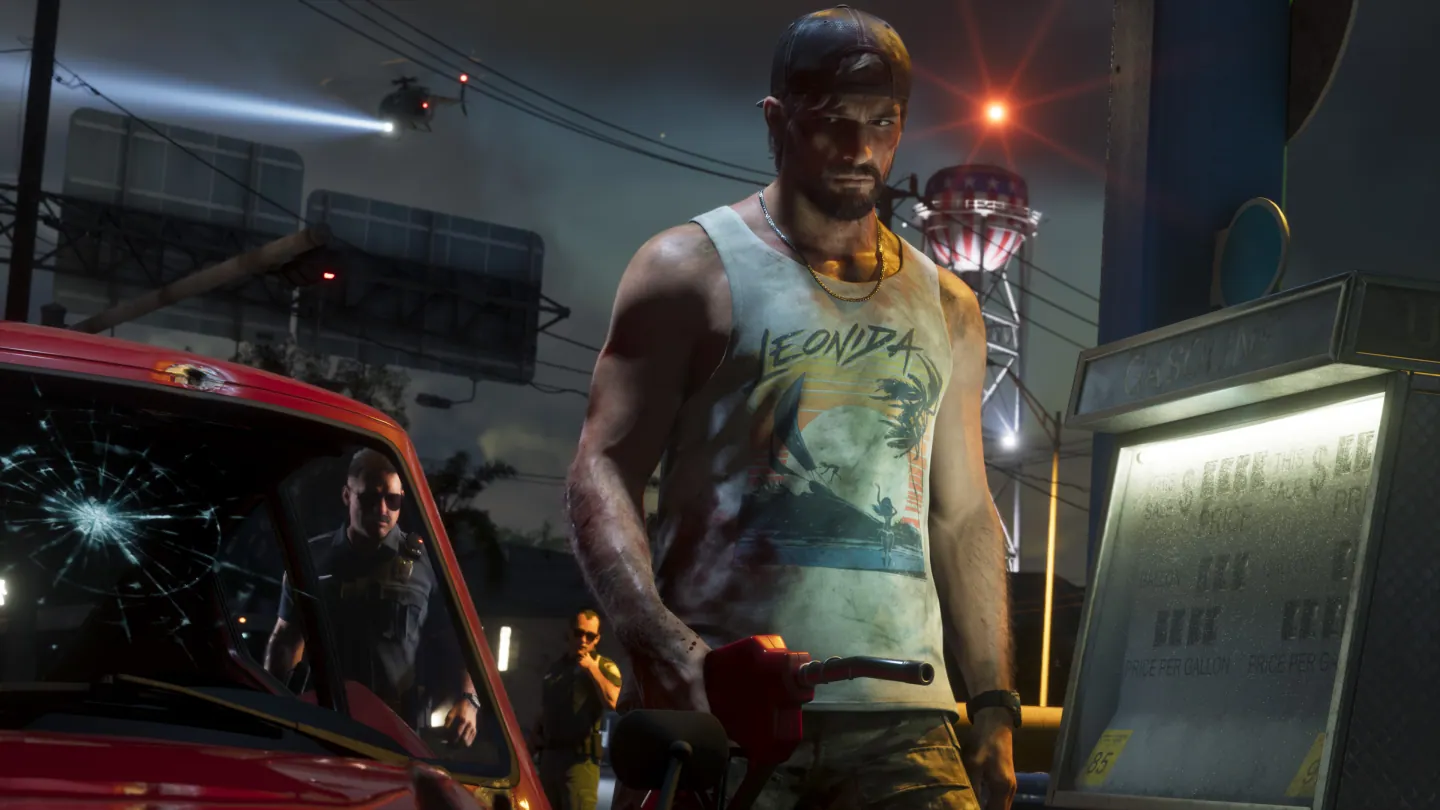
Tap Down on the D-pad while driving to check fuel above the minimap. Pull straight alongside a gas pump, wait for Services, then use the shown Cross or A input and choose Refuel. If you’re driving an EV, use the Electric Chargers list under Vehicles in the map index.
Read the fuel gauge before a long drive
The dynamic HUD can hide the gauge. In a vehicle, tap Down and look near the minimap for the pump symbol. If you have hidden the vehicle readout, check Vehicle Name & Status in the UI settings.
| Gauge | What to do |
|---|---|
| Green | Continue the drive. Take note of a station on the route if you are travelling far. |
| Yellow | Choose a nearby station now. Low fuel brings nearby gas stops onto the map. |
| Red or the vehicle loses power | Prioritize the nearest service stop if the vehicle still moves. An empty tank can leave it unable to drive. |
Set a waypoint to a pump or charger
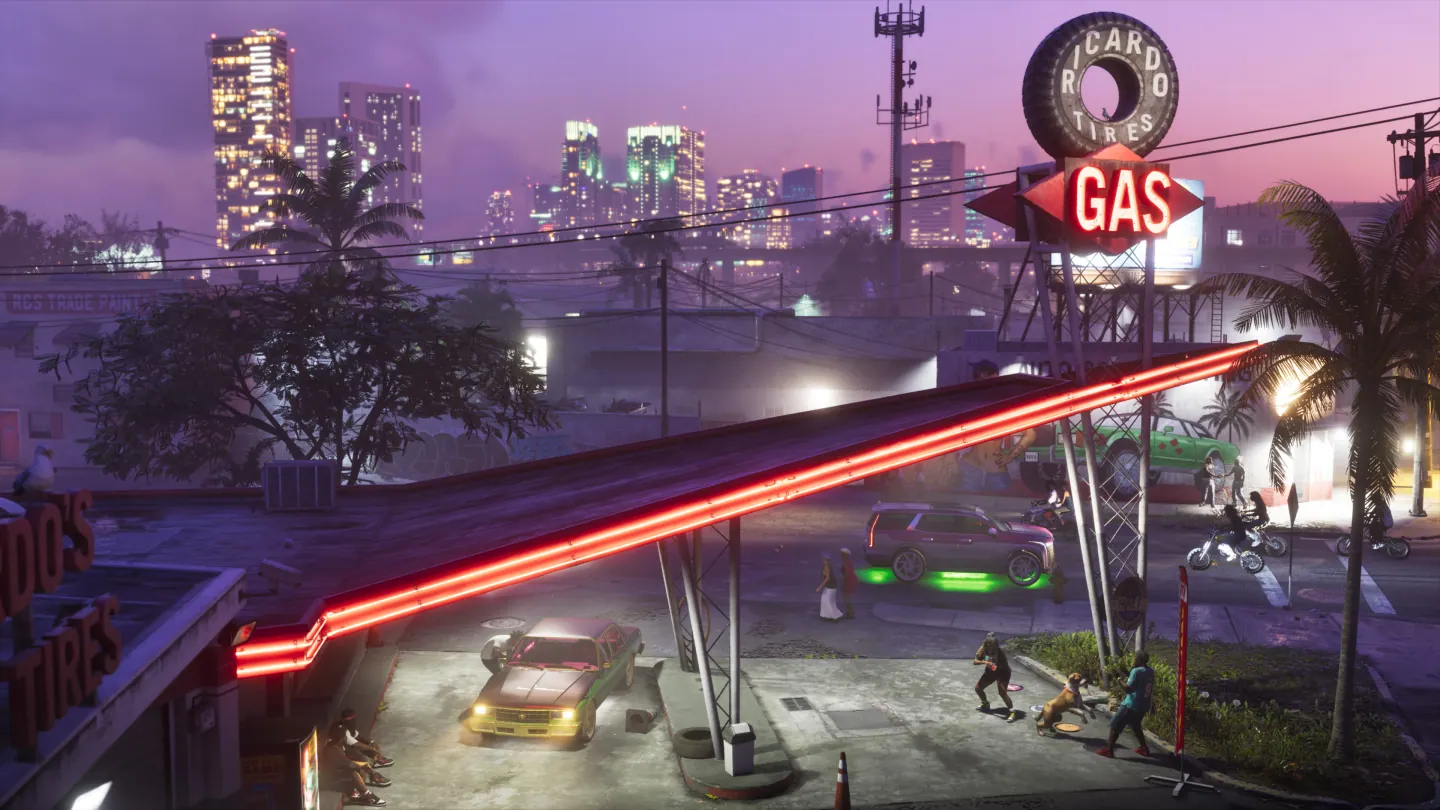
Open the map and use its Vehicles index. Choose Gas Stations for fuel or Electric Chargers for an electric car. Select a discovered entry, then set a destination to the pin. If the list is sparse, check the uncovered area around your route as station icons are added when you explore.
| Starting area | Example gas stop to look for |
|---|---|
| Key Lento | 247 Gas in the Mariana County list. |
| Near Vice City International Airport | Arrow Gas in the VCIA area. |
| Port Gellhorn | Arrow Gas in the Kelly County list. |
Frequently asked questions
Do I need to exit the car to open the gas station menu?
The observed launch workflow shows Services when the car is alongside a pump. Open that menu from the vehicle, then follow the selected refuel prompt.
How much does gas cost in GTA 6?
Use the price displayed on the Refuel row for that car and stop. The launch footage shows the price before the purchase.