Controls & settings
GTA 6 Simplified Mini Games Setting and What It Changes

Quick answer
Open Pause → Settings → Gameplay and turn on Simplified Mini Games. The in-game description lists exercising, hotwiring and basketball as examples. Keep Mini Game UI on to see the current input prompts while you try the activity again.
Enable the assist on the Gameplay tab
- Pause and open Settings → Gameplay. Scroll past the Accessibility group and look for Simplified Mini Games near the other gameplay assists.
- Highlight the row and read the description on the right. Turn the option on, then accept Save Settings if your game displays it.
- Resume and start the same exercise, hoop attempt or in-game hotwire interaction. Use the prompts shown for that activity after the change.
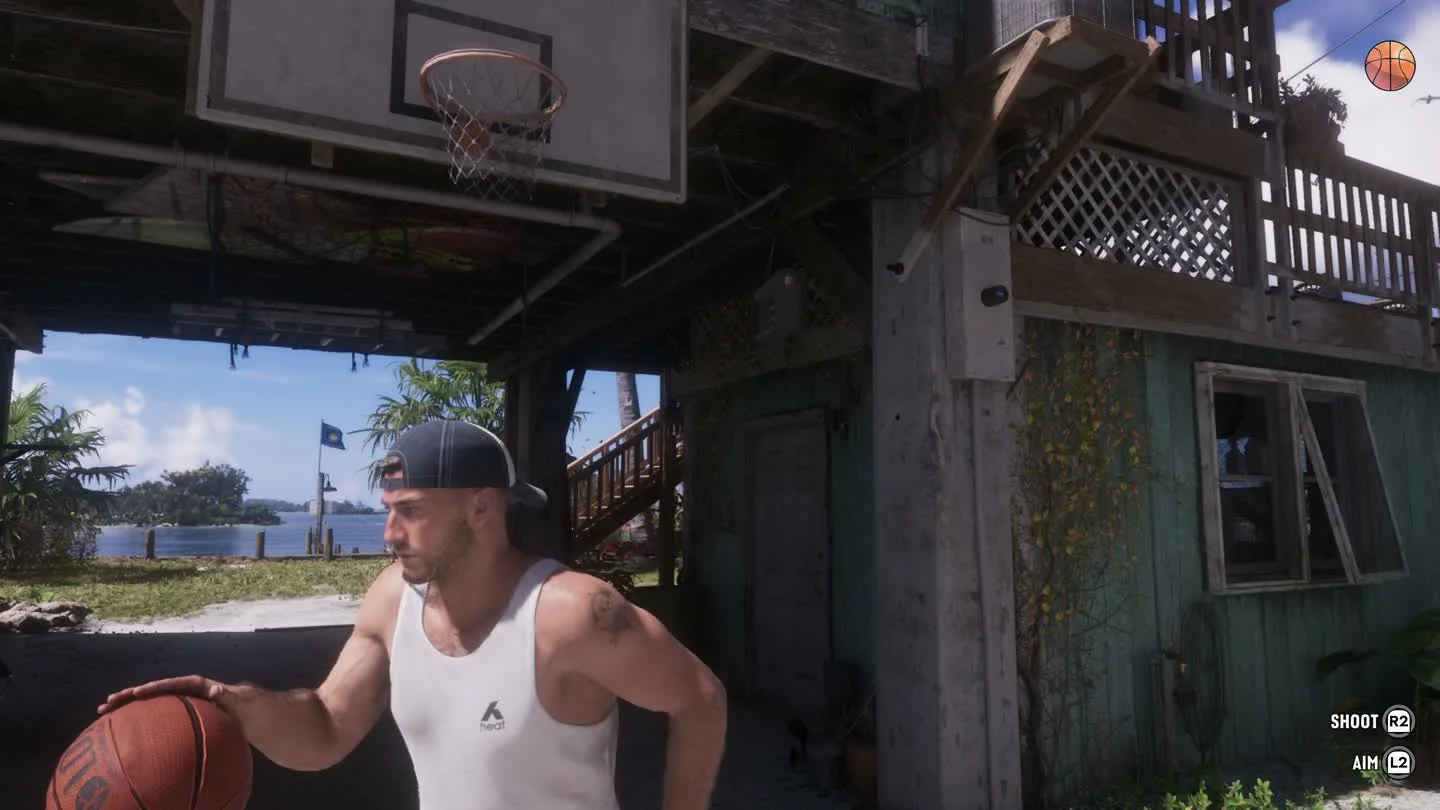
Keep the instructions visible while testing the new input
If the button instructions are missing, open Settings → UI → Prompts and enable Mini Game UI. That setting controls whether the instructions are visible. The Gameplay assist changes supported input sequences.
Check the actual action prompt when you begin. The setting description gives examples of covered activities. Use the input displayed for the current exercise or interaction to tell what changed.
If the issue is how long you have to hold a button or how many times you need to tap, compare Hold Assist or Tap Assist. Those are separate accessibility rows.
Check the saved option and the prompt at the same station
- Before changing the assist, pick one station to compare. Read its opening hint and finish or exit that attempt. Make a note of which inputs it asks you to use together.
- Enable Simplified Mini Games in Gameplay and confirm the save screen if it appears. Reopen Gameplay briefly to check that the setting stayed on.
- Return to the same station and start a fresh attempt. Keep Mini Game UI on for the comparison. If you still see a hard-to-read HUD or an input that takes too long to hold, check the separate display or hold options.
Frequently asked questions
Where is Simplified Mini Games?
Open Settings → Gameplay. Mini Game UI is a separate display option under UI → Prompts.
Does it replace every minigame control?
The game lists examples of supported interactions. Read the new prompt on the activity you are testing.
Revision history
- · Added a repeatable before-and-after check using the same activity and the separate prompt display setting.