Controls & settings
How to Sit Down or Lean Against a Wall in GTA 6

Quick answer
Stand still on foot and hold Circle on PS5 or B on Xbox to use Rest. Jason sits on beach sand in the footage and leans when positioned beside a wall or parked car. At a railing, face the edge and try clicking the left stick if Rest gives you a different pose. Use the on-screen interaction for a supported chair.
Use Rest on sand, beside a wall or by a parked car
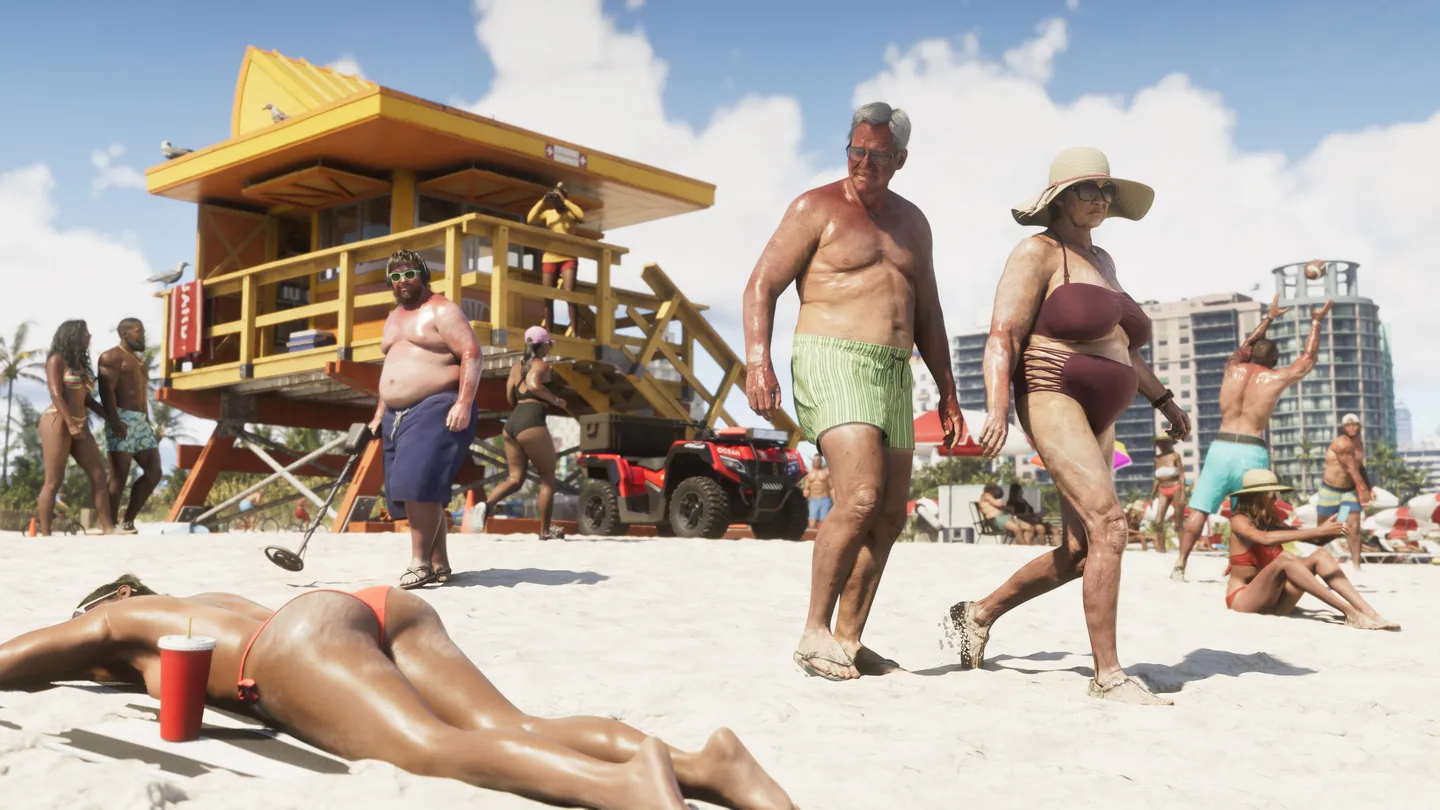
- Stop walking and hold Circle or B. If you want the sitting pose, start on a clear patch of beach sand. Gaming with Griff Griffin shows Jason seated with palm trees and towers behind him at 13:00.
- For a lean, stand next to a flat wall or the side of a parked car and use Rest. Watch Jason with his back against the painted wall at 12:50 or beside the silver car in Twingo's clip.
- If you get a standing pose, step closer to your intended surface and try again. If you have changed your controls, open Settings → Control Scheme → Preview and check On Foot for the current input.
Try the left-stick input at a railing or use the chair prompt
On a porch, face the railing so your character is close to its edge. Twingo's clip shows Jason leaning with his hands on the white rail at 1:50. Try the left-stick button at a rail or ledge if Circle or B produces a standing pose. Check your control preset if the result differs.
For a repeatable indoor seat, use Jason's early Key Lento home. Look for the round table beside the glass deck door. Move close to a chair and follow the interaction that appears. The filmed example shows Jason sitting down and later standing again.
Frequently asked questions
What button lets you sit on the beach in GTA 6?
Stand on the sand while on foot and hold Circle on PS5 or B on Xbox with the default controls.
How do I skip time when I want to rest in GTA 6?
Go to a safehouse bedroom and use its Rest prompt to choose when to wake up. The free-roam posing action uses the surface beside you.