Controls & settings
GTA 6 My Photos: Find the Phone Gallery and Clear 32/32 Storage
Quick answer
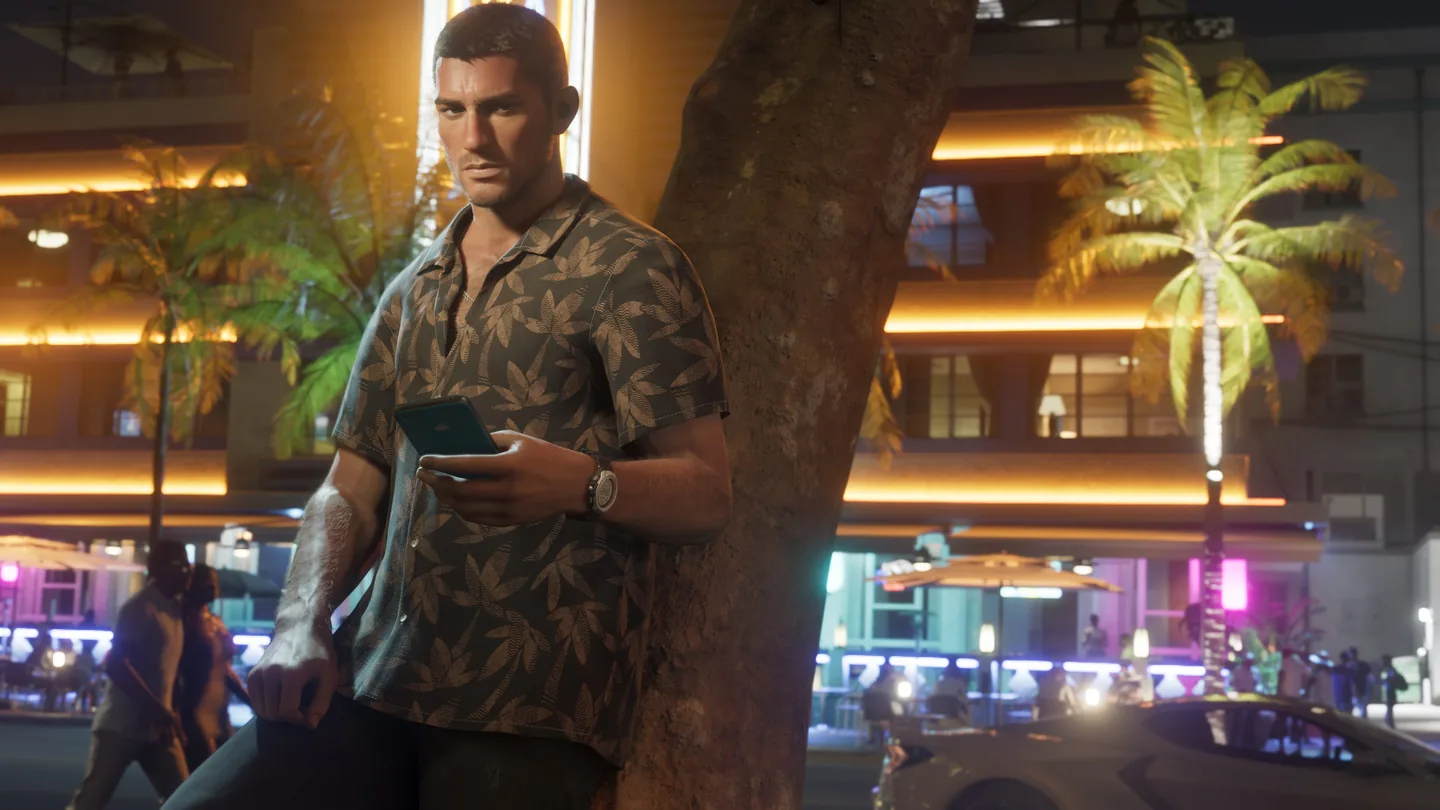
If you used the in-game phone camera, open Gallery on the iFruit and choose My Photos. On PS5, Triangle from the phone camera also opens Gallery. If My Photos says Storage Full at 32/32, delete unwanted thumbnails before taking another picture. A Photo Studio shot saved on PS5 appears in the console’s separate Media Gallery.
Use the gallery that matches how you took the photo
My Photos and Favorites are separate entries in the in-game app. If you see a few preloaded images or earlier favorites, go back to the gallery landing view and select My Photos. The filmed player reopens the photo of the dog there after snapping it with the phone.
| How you took the photo | Where to view it |
|---|---|
| iFruit Camera or Snapmatic photo | From the phone home screen open Gallery and select My Photos. From the PS5 phone viewfinder, press Triangle to open Gallery. |
| Saved from Photo Studio on PS5 | Open PlayStation Media Gallery or select the recent capture from the Create menu. |
| Console screenshot | Use the console’s own capture library. The in-game phone’s My Photos counter tracks the phone gallery. |
Delete unwanted photos before taking another
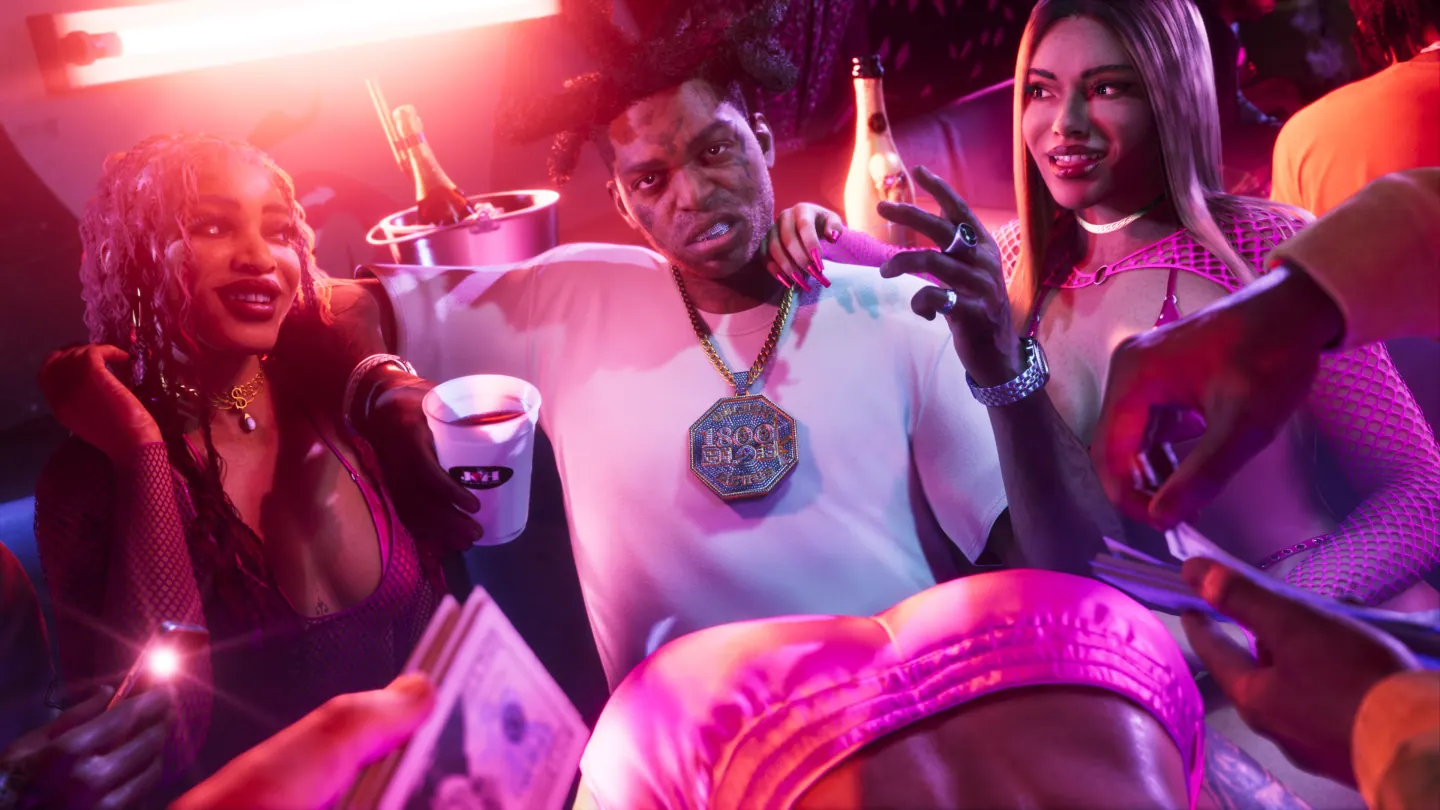
- Open My Photos and read the counter above the grid. In the recorded PlayStation full-gallery test, it reads Storage Full at 32/32. The game warns that the next phone shot will replace the last photo.
- For one photo on PS5, open the image with Cross. Press Square for Options, then choose Delete image. Check the selected photo before confirming.
- For several, start at the grid and press Square to enter selection mode. Mark each unwanted thumbnail with Cross, check the selection count, then choose Delete and Confirm. Return to the grid and verify the counter before taking another shot. On Xbox, follow the Options and Delete prompts shown on your screen.
Frequently asked questions
Why can’t I find my phone photo in PlayStation Media Gallery?
Open Gallery → My Photos on the in-game iFruit. The console Media Gallery is where the filmed PS5 Photo Studio save appears.
What happens at 32/32 in the phone gallery?
The recorded full-storage warning says the next shot will overwrite the last photo. Clear one or more unwanted thumbnails first.
Can I delete several GTA 6 phone pictures at once?
Yes. From the My Photos grid on PS5, enter the selection mode with Square, mark unwanted photos with Cross, then choose Delete and Confirm.