Controls & settings
GTA 6 Underwater Camera: Change How Quickly the View Follows
Quick answer
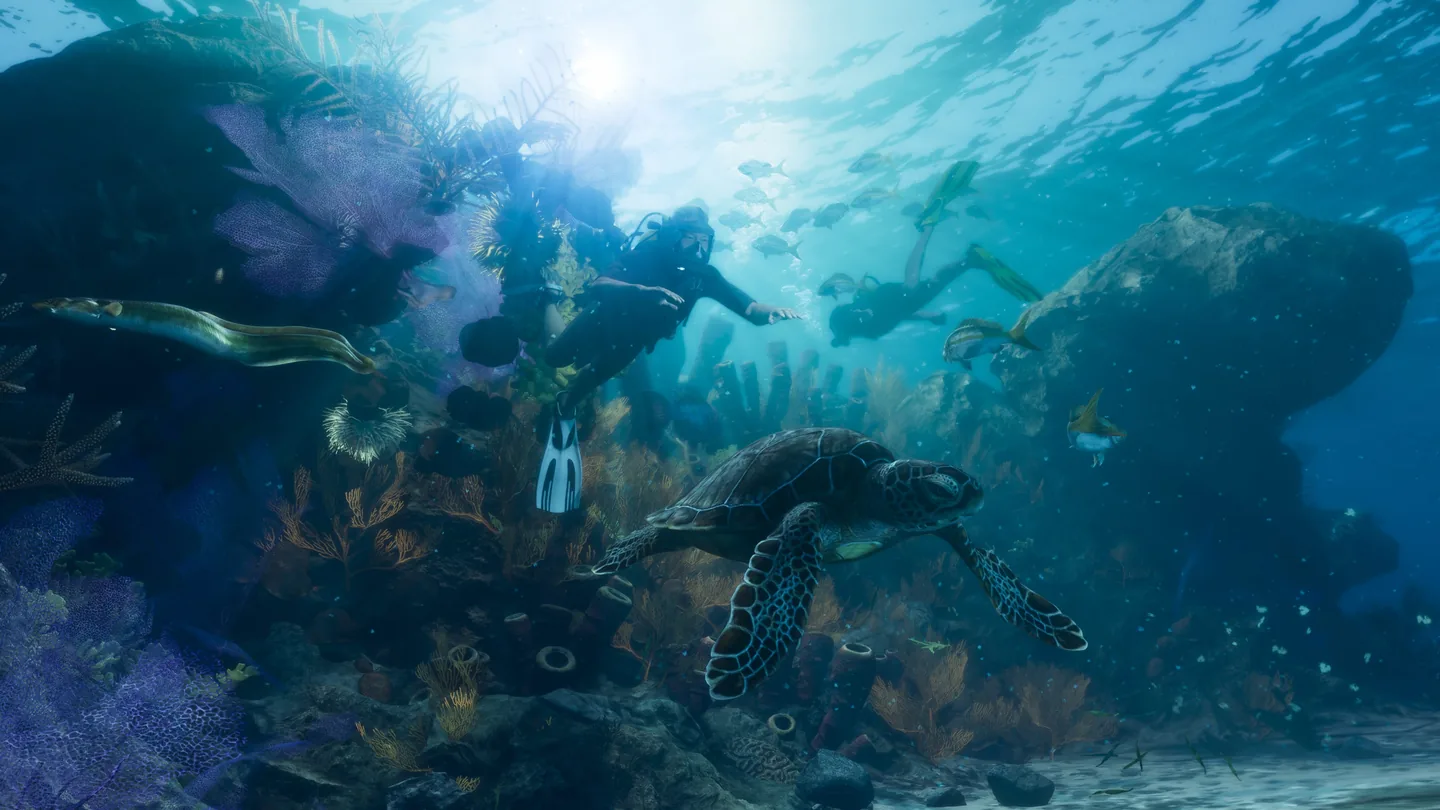
Go to Settings → Camera → Underwater and adjust Horizontal Follow Speed. Lower it if the view swings behind you too fast after you look sideways, or raise it if the view trails on turns. If your menu also shows Vertical Follow Speed under Underwater, use that row for looking up or down. Test in deep water with the camera behind your swimmer.
Use the sliders below Aircraft and above Cinematic
- Pause and open Settings → Camera. Scroll past On Foot, Land & Water Vehicles, Comfort and Aircraft until you see Underwater. Horizontal Follow Speed is immediately below that heading.
- Note your current value. Move the horizontal slider a little in one direction and resume. One recorded menu shows only the horizontal row, while a second shows a vertical row directly below it. Use the options shown in your copy.
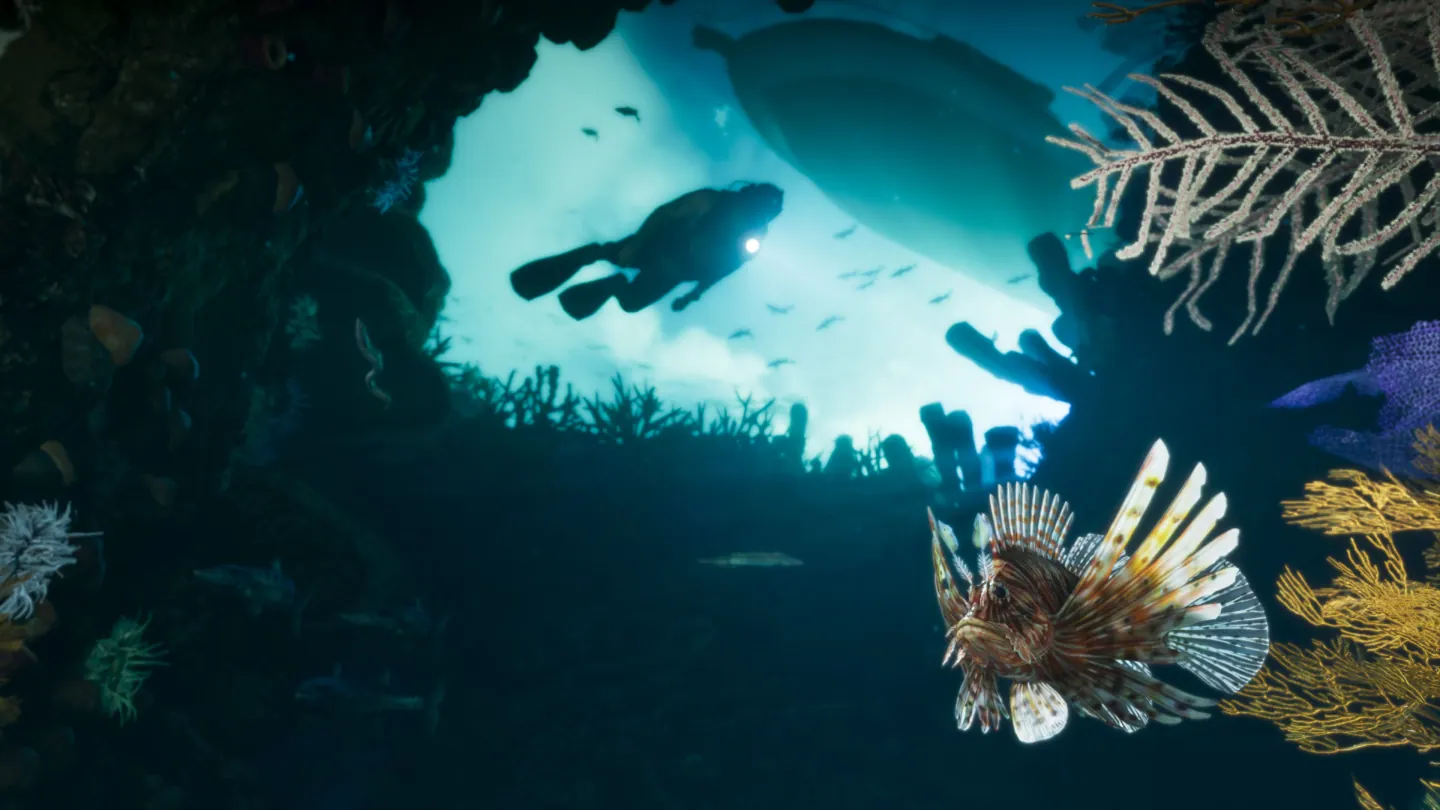
- Swim past a fixed landmark such as an exposed rock. Turn the camera sideways, release the right stick and watch how fast it swings back while you swim. Repeat on the same path before deciding whether to change it again.
Identify when the view moves too fast or too slowly
| When the issue happens | Setting or action to try |
|---|---|
| The camera pulls sideways after you let go during a dive | Change Horizontal Follow Speed under Underwater and repeat the same turn. |
| The camera moves slowly while you are actively pushing the right stick | Check Horizontal or Vertical Look Sensitivity under Controller. Test at the same camera distance. |
| The camera lags while you are steering a boat | Use the Driver rows in Land & Water Vehicles. They apply when you are at the controls of a vehicle. |
| Your swimmer has trouble gaining height or reaching the surface | Check your active Dive and Surface prompts. Those inputs move the swimmer while the follow slider changes the camera. |
Frequently asked questions
Why did changing Land & Water Vehicles have no effect during my dive?
Those rows apply in a vehicle. Scroll farther down the Camera tab to Underwater and test while Jason or Lucia is submerged.
Do I have to change camera speed to collect the sunken treasure?
Use whichever follow speed keeps the objective and scenery comfortable to track. Follow the current swim and collection prompts at the wreck.