Controls & settings
GTA 6 Camera Preference: Keep Your Driving View Between Vehicles

Quick answer
Open Settings → Camera and set Camera Preference to On. In a car, choose your preferred regular driving view. On the standard PS5 layout, hold D-pad Down and tap Square to cycle it. Get out and enter another car in free roam to check what the game kept. If the angle only changes after you stand still, check Idle Camera separately.
Set Camera Preference, then check another car
- Pause during free roam and open Settings. Go across to the Camera tab. Turn Camera Preference on near the top of the tab and return to the game.
- Sit in the driver’s seat. Use the regular Camera action to pick an outside view you can recognize easily. The default PS5 list shows Square while you hold D-pad Down. If you changed the layout, use your on-screen Camera prompt.
- Step onto the street and get into a different car as the driver. Compare the normal driving view before opening the phone, switching seats or starting a mission. That gives you a useful check of the setting in the same driving context.
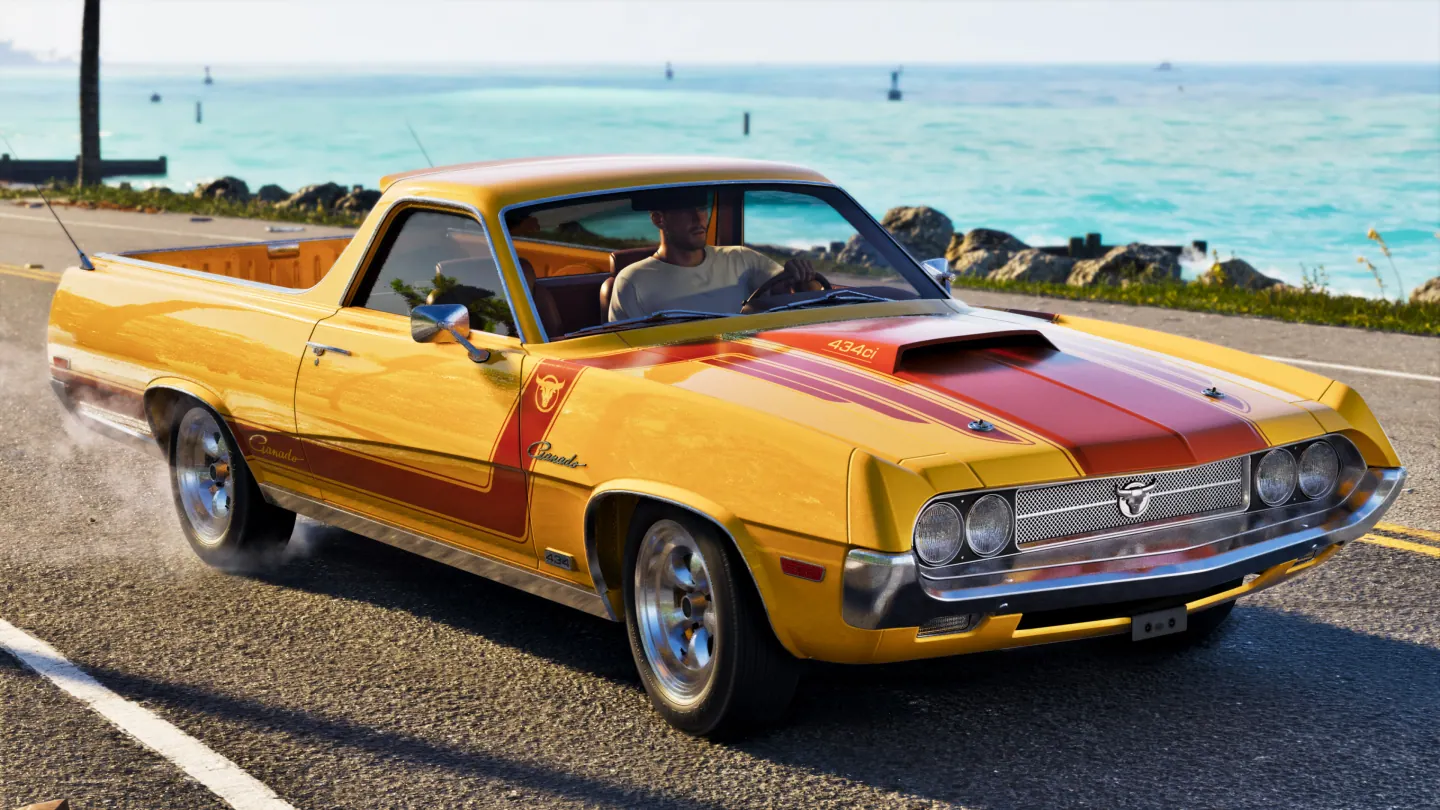
Find out what is changing the angle
Test with two ordinary cars and the same seat first. Keep Camera Preference on while you compare. If the normal view stays put but you see an automatic shot later, check when the change occurs to pick the next setting.
| When it changes | What to check |
|---|---|
| Stepping from one driver’s seat to another | Check that Camera Preference is On and choose the normal driving view again. |
| Standing still before a sweeping shot | Go to Camera → Cinematic and turn Idle Camera off to compare. |
| Looking around in a passenger seat | Use the Passenger follow speed and delay settings if the issue is how quickly the camera returns behind the car. |
| Opening the phone, entering a scripted scene or requesting a cinematic view | Return to normal free roam and compare the standard driving view after that scene or input ends. |
Frequently asked questions
Will Camera Preference enable a new first-person driving mode?
Camera Preference remembers the regular view you select. Use the driver’s normal Camera prompt for the available outside distances.
Why does my camera move while I’m parked?
If it starts a sweeping shot after you stop giving input, check Idle Camera under Camera → Cinematic. If the angle moves after a crash, check the separate crash camera frequency.