Controls & settings
GTA 6: How to Change Your Loadout From Inside Your Car
Quick answer
Stop in the character’s personal vehicle and hold L1 on PS5 or LB on Xbox. In Weapons, highlight the category you want. When the slot shows the cycle prompts, use L2/R2 on PS5 or LT/RT on Xbox to choose a stored option. Check the name and model in the wheel before leaving the vehicle.
Open the loadout while stopped in the personal car
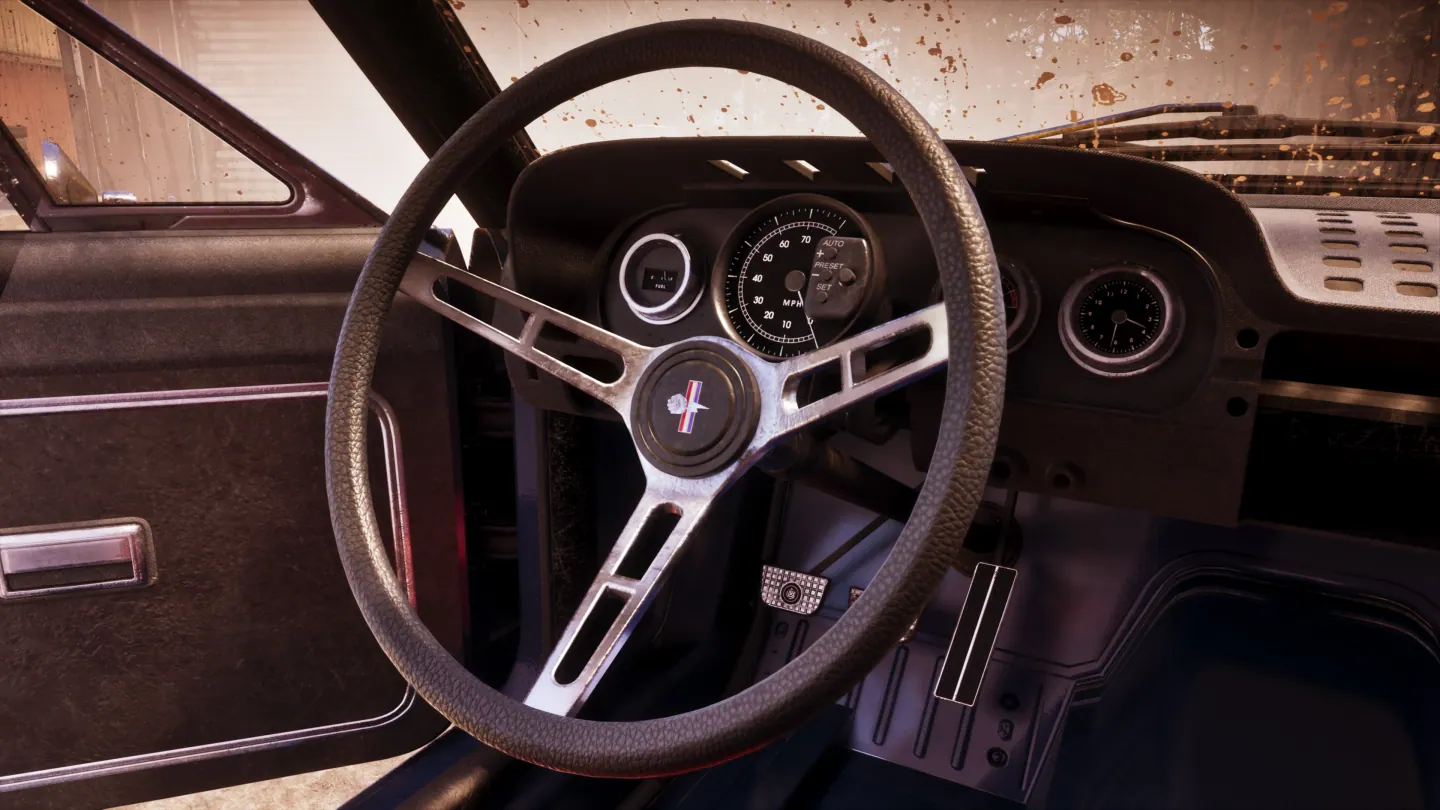
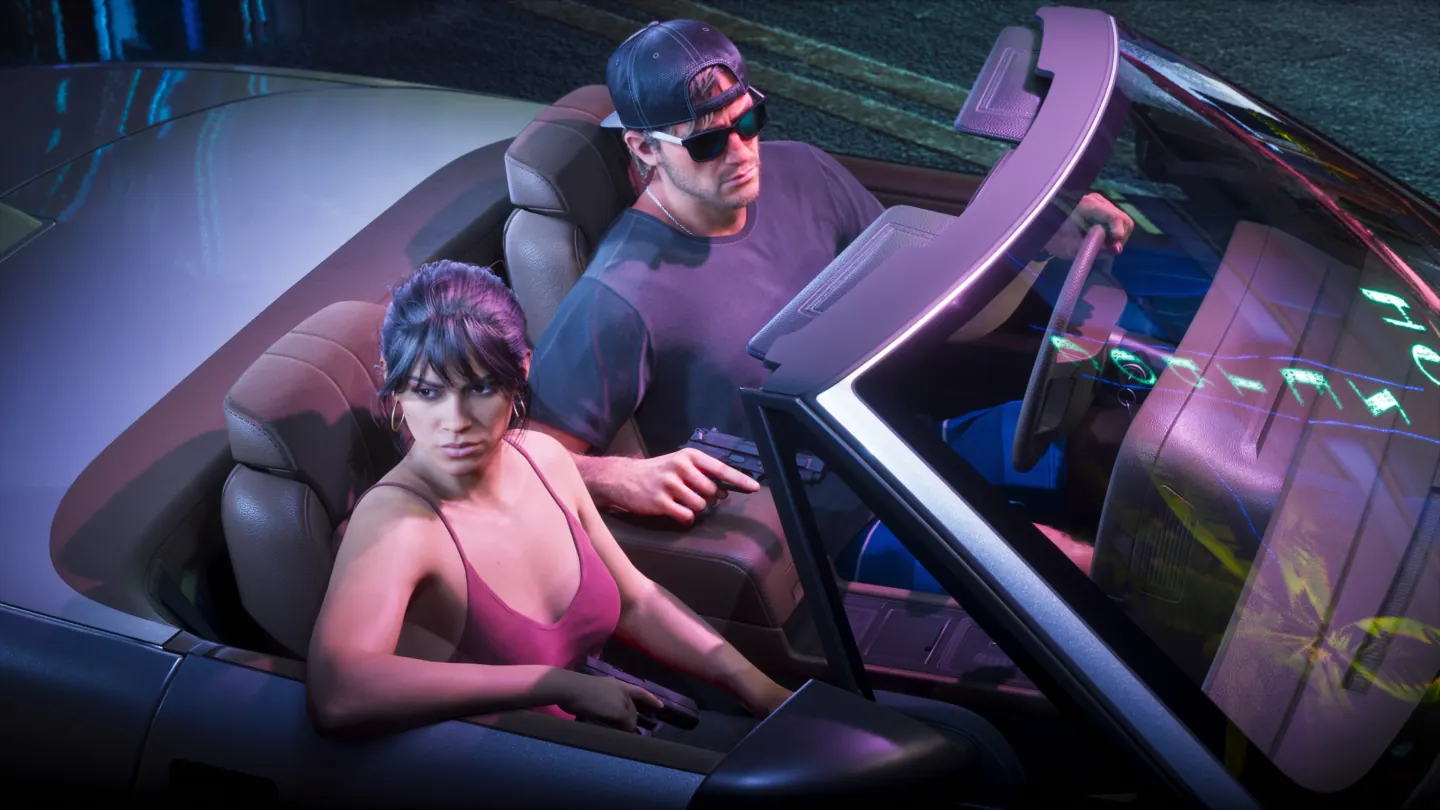
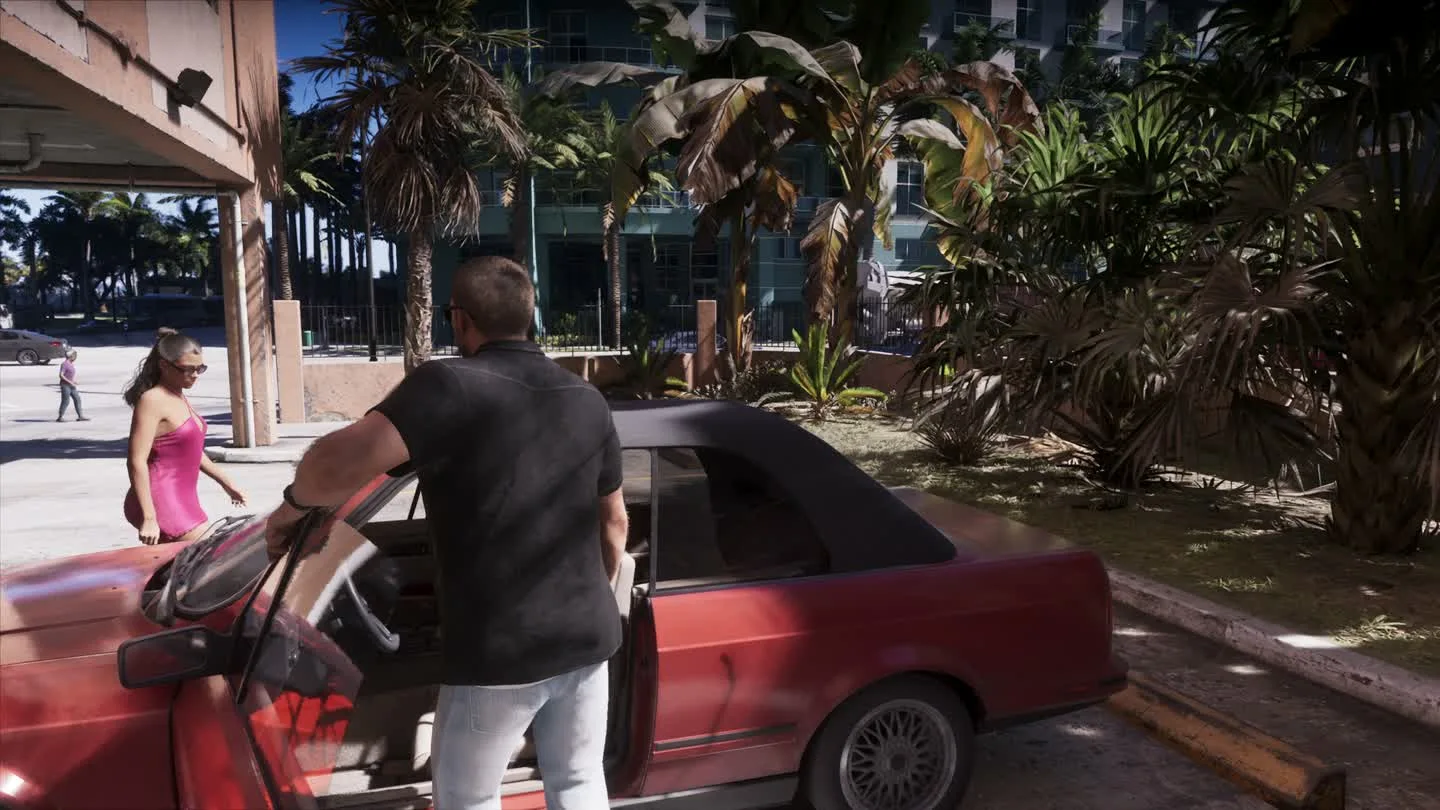
- Use the character’s personal car. JorRaptor’s recorded car is the red Pegassi labeled Lucia’s Toros. Pull over and open the loadout without getting out.
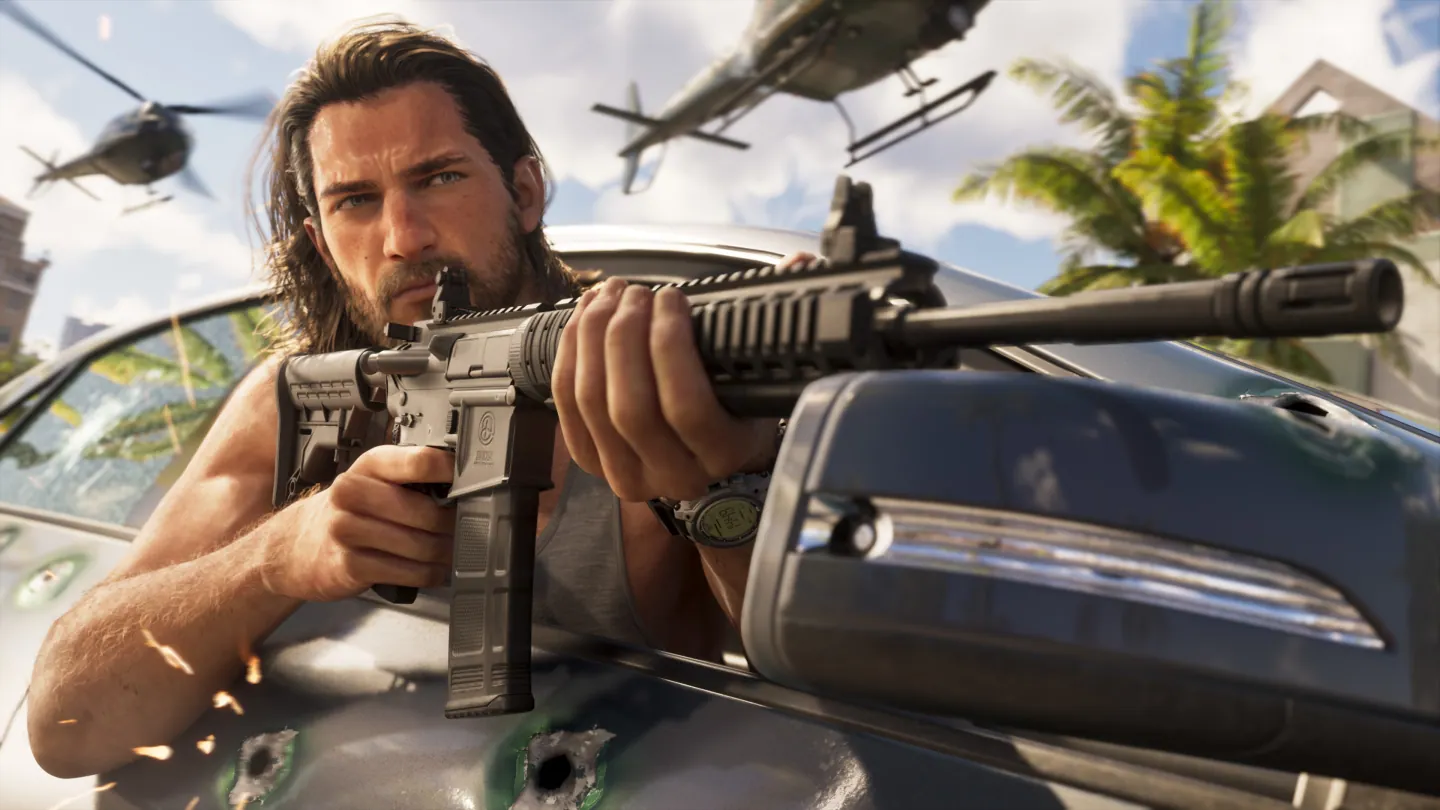
- Highlight the Weapons slot you want with the right stick. The filmed longarm row is on the left. At 3:02 the wheel shows the Duke 556. At 3:10 the same row shows Black Eagle Import M306 TMR beside the trigger icons.
- Cycle to the equipment you want and check the name before releasing the wheel. Change to Items with R1 on PS5 or RB on Xbox if you want to check gear such as Body Armor.
Check the car’s storage if the item still does not appear
Open the wheel in the same character’s personal car and look for the cycling icons. If you see an empty slot or the item stays missing, step out and open the trunk. Check whether the item is in that vehicle’s storage. A gun you previously picked up could still be at a Weapon Locker.
Use the car’s stop as a chance to set the loadout you want after exiting. For a sidearm while driving, use the vehicle’s separate aiming and holstering controls.
Frequently asked questions
Do I always need to open the trunk to swap my longarm?
The recorded personal car lets you cycle equipment from its seated loadout. Use the physical trunk if the item is missing or you want to check storage.
Which row shows the stored rifle?
On the Weapons tab, highlight the left-side Longarm slot and follow its cycle prompts.