Controls & settings
How to Look Behind While Driving in GTA 6
Quick answer
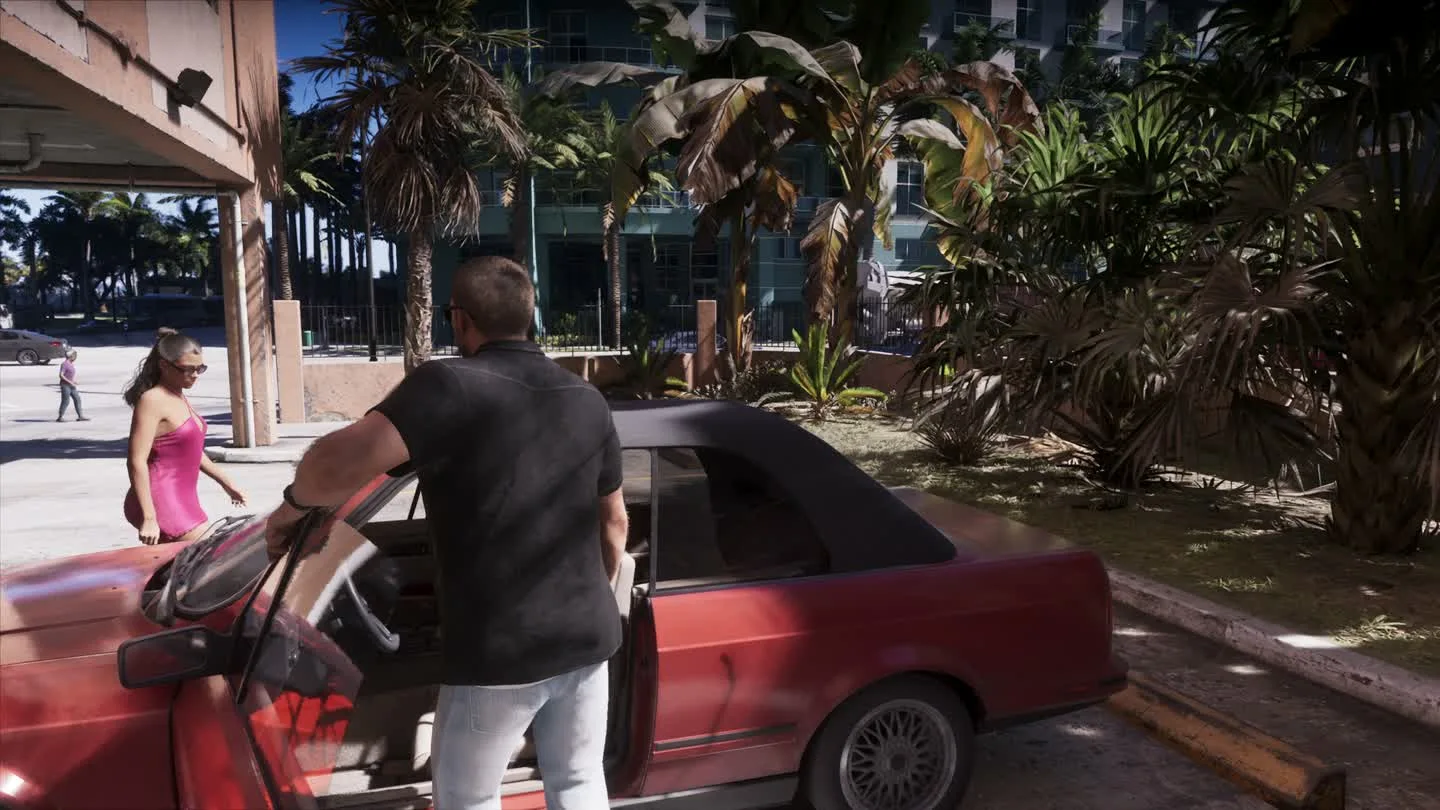
Hold the right stick clicked in while driving. On PS5 that is R3. On Xbox Series X|S it is Right Stick Click. The view swings to the front of the car and shows the road behind you. Release the stick click to return to the normal following camera.
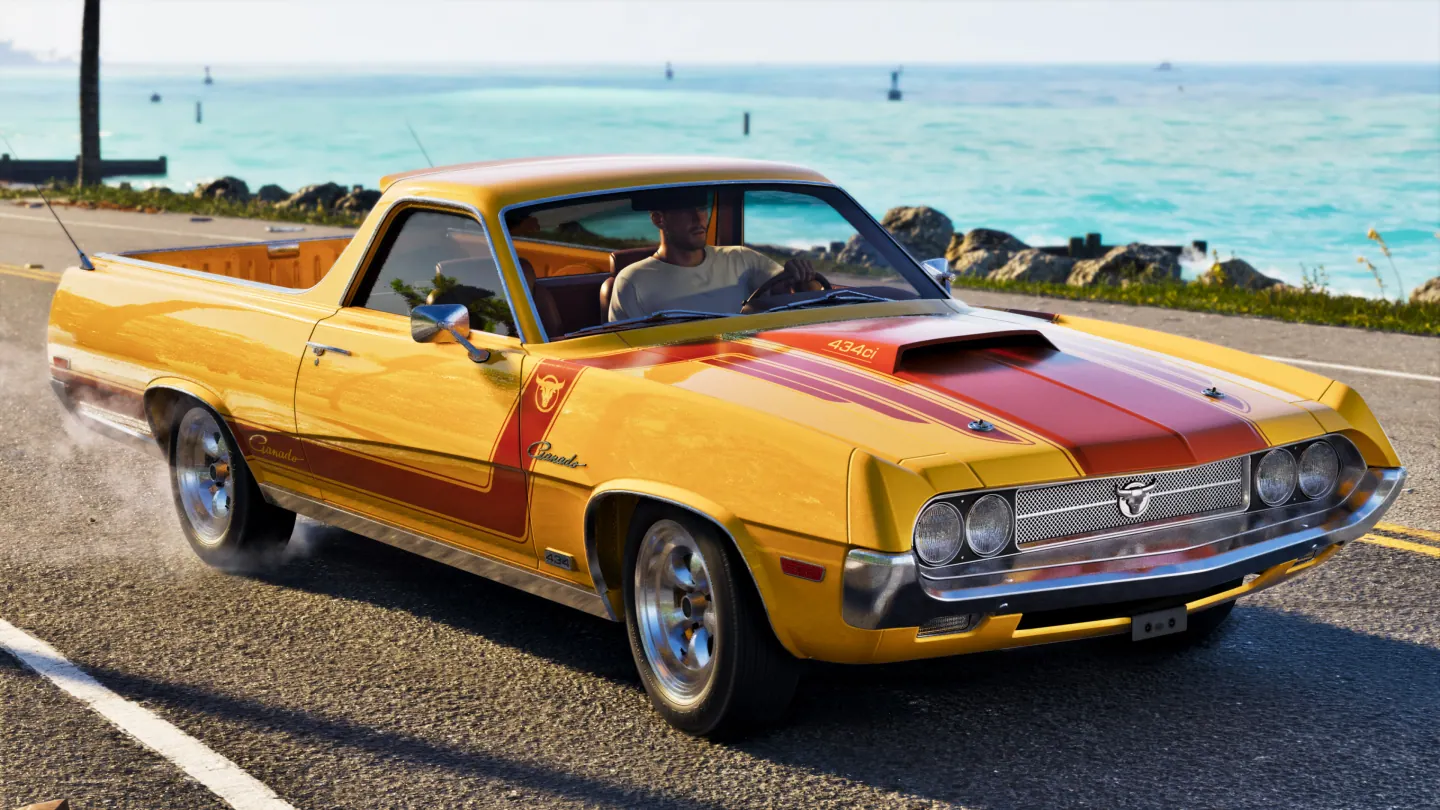
Hold the click and watch the car’s front come into view
- Get into the driver’s seat and close the phone or vehicle menu so the driving view is active. Try it while parked first if you want time to identify the camera movement.
- Click the right stick inward and hold it. The same vehicle stays in frame, but the camera moves to its front and looks back toward the road you came from.
- Let go of the click. The normal following angle returns. If the camera instead drifts sideways, try clicking straight down on the stick without tilting it.

Keep the rear view separate from camera distance
If holding the stick does nothing, open Settings → Control Scheme. Preview Land / Water Vehicles and check the Look Behind label for your current layout.
| What you want to see | Which control to use |
|---|---|
| A quick look at traffic behind you | Hold right-stick click for Look Behind. The effect ends when you release. |
| A permanently wider or closer following view | Use the driving camera distance controls. Those cycle the default view that returns when you release the rear view. |
| The cabin while checking the phone | Open the phone from the driver’s seat for its own temporary inside view. |
| A view that changes as a passenger | Use the Passenger follow speed or delay rows in Camera settings. |
Frequently asked questions
Do I need to reverse the car to look behind it?
You can use Look Behind while stopped. It moves the camera. Reverse remains a separate driving input.
Does the rear view stay on after I let go?
The normal following view returns when you release the right-stick click.