Activities
GTA 6 Photo Studio Focus Guide: Fix a Blurry Face or Car
Quick answer
Open Photo Studio → Camera and turn on Depth of Field and Focus Guide. Adjust Focus Distance until the face, grille or other detail you want to highlight is in focus. Use Aperture to change how much of the scene stays sharp around that distance. Turn Focus Guide off and check the frame before choosing Save Photo.
Set the focus after choosing your camera position
- Pause in free roam and open Photo Studio. Choose the Camera tab and frame the photo first. Moving the camera closer to a face or a bumper changes its distance from the lens.
- Set Depth of Field to On and turn on Focus Guide. Scroll to Focus Distance. Change it slowly while watching the exact feature you want sharp instead of watching the numbers alone.
- Return to Aperture. Adjust it while comparing the subject with the nearby objects and the background. For a couple or a group shot, choose an aperture that keeps the second face in focus too.
- Turn Focus Guide off, hide the interface and check the finished preview. On PS5 the Save Photo action is Cross. Check the console gallery after saving.

Use the preview to tell a focus problem from a lighting problem
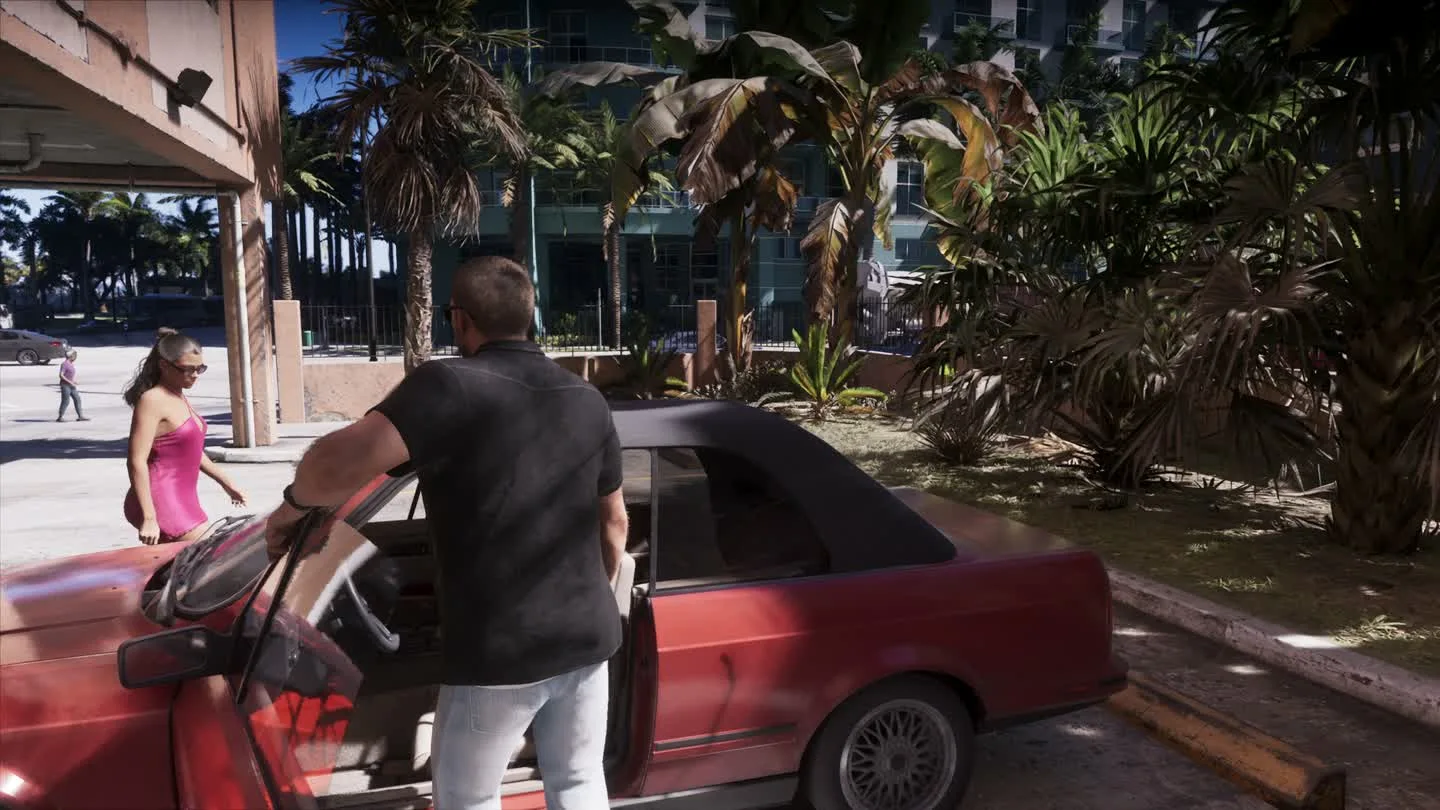
Try the controls on a parked car with a building down the street behind it. Keep the camera still and move Focus Distance. Watch detail shift between the car and the street. Then change only Aperture to compare how much of the car stays readable in the same frame.
If the whole scene looks muddy, temporarily turn Depth of Field off and compare. If the face is sharp but too dark, restore your focus setup and use a Lighting slot. Effects → Sharpness adjusts image definition across the frame. Go back to Camera when you need to change the distance the shot is focused on.
| What you see | What to change first |
|---|---|
| The wall is sharp and the face is blurry | Bring Focus Distance closer to the face. |
| Only one of two faces looks sharp | Adjust Aperture or reframe so the faces sit at similar distances. |
| You want the street and skyline both clear | Compare the preview with Depth of Field switched off. |
| The subject is sharp but dark | Open Lighting or compare the image at another time of day. |
Frequently asked questions
Where are the Aperture and Focus Distance rows?
Scroll down in Camera. They sit below Depth of Field, with Focus Guide below Focus Distance.
Why did the Focus Guide change when I moved the camera?
The subject is a different distance from the new camera position. Set the angle and distance, then check the guide again.