Activities
GTA 6 Photo Studio: Frame Vertical, Square or Widescreen Photos

Quick answer
Open Photo Studio → Camera → Aspect Ratio. Choose 9:16 for a vertical frame, 1:1 for a square frame or 16:9 for a wide frame. Reposition the camera after switching because the crop cuts off the sides of a wide composition. Hide the interface and use the displayed Save Photo action.
Select the crop and check the visible edges
- Open the pause menu in free roam and choose Photo Studio. Start in Camera and move down past Speed, Grid and Roll to Aspect Ratio.
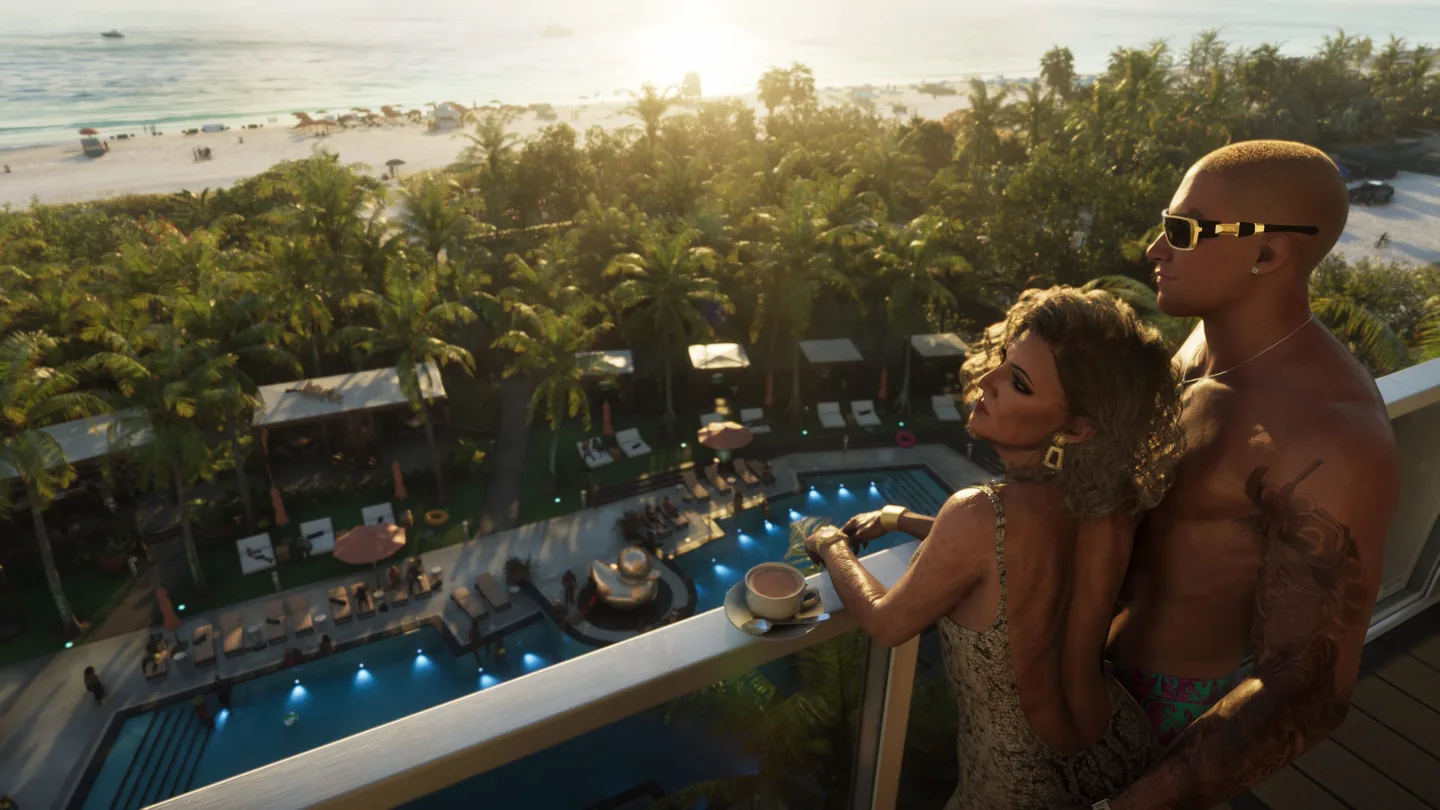
- Use the arrows on Aspect Ratio to pick the shape you want. The filmed Xbox menu shows 1:1 at option 6 of 8 and 9:16 at option 8 of 8. The vertical view removes much of the railing and horizon around Jason.
- Reframe inside the new edges. Back up for a full-body photo or pick a wider Field of View for more of a vehicle. If the horizon tilts, adjust Roll. Use Grid to line up the frame.
- Hide the UI and look at the edges one last time. Use Save Photo in the game, then check the finished capture in your console’s gallery.
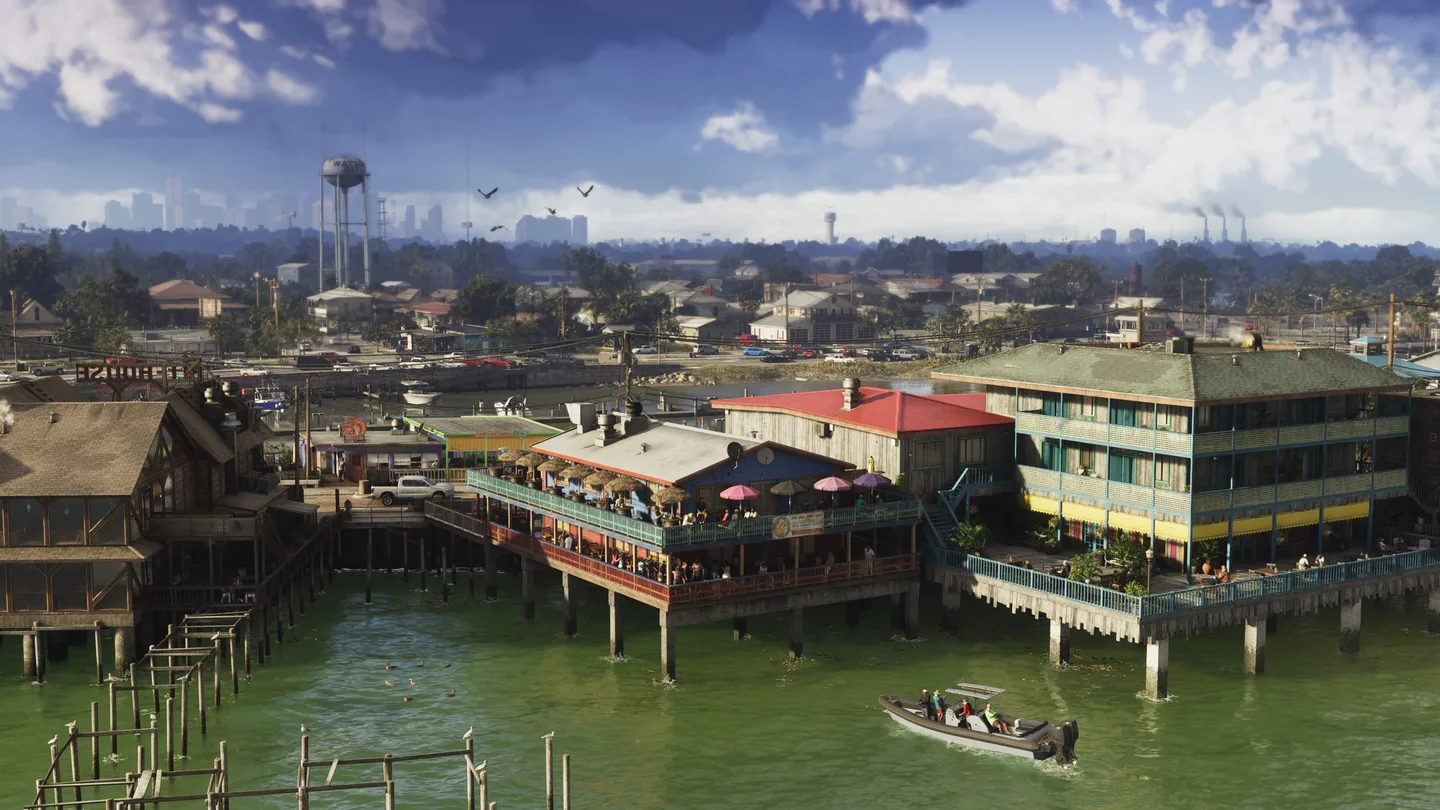
- Watch The Breakdown compare aspect ratios on the waterfront from 0:24
- See the tall crop replace the wide waterfront frame at 0:28
- See the 1:1 square crop in the same waterfront view at 0:32
- All Things How’s firsthand PS5 Camera tab and Focus Guide reference
- Hide the Photo Studio interface before capturing
- See the finished Photo Studio capture in the console gallery at 1:58
Check what stays in the photo after cropping
Use Aspect Ratio for the shape of the frame, Field of View for how much of the scene fits inside it and Roll for the horizon angle. If a tall frame cuts off the subject’s feet, back the camera up or switch to a wider view before changing any lighting.
A new camera position can also change which part of the preview is sharp. After framing, turn on Focus Guide if the subject needs refocusing. Turn it back off before checking the finished preview.
| If you are shooting | What to check in the preview |
|---|---|
| A full-body portrait in 9:16 | Leave room above the head and below the feet. |
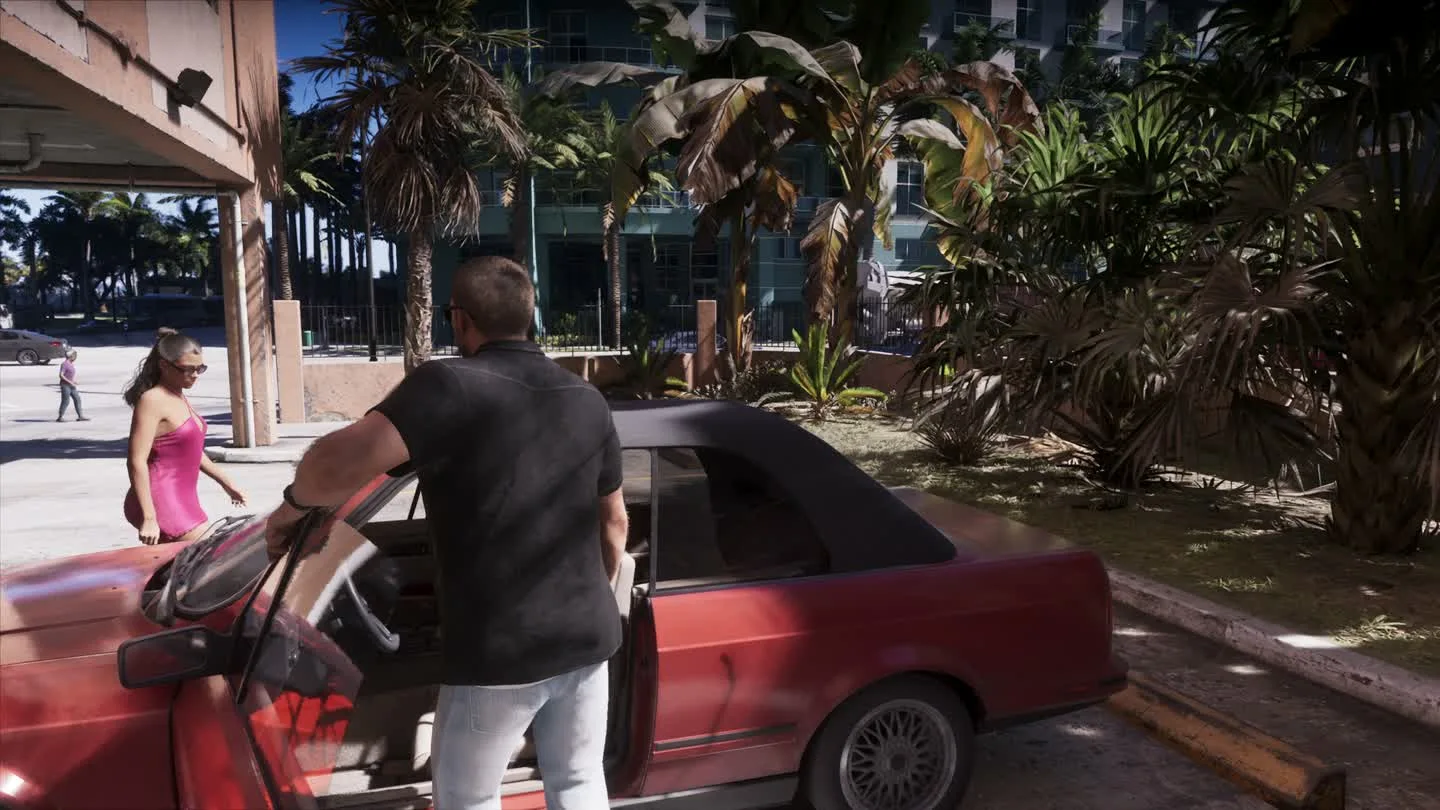
| A parked car in a 1:1 crop | A three-quarter angle can bring both ends into the frame. |
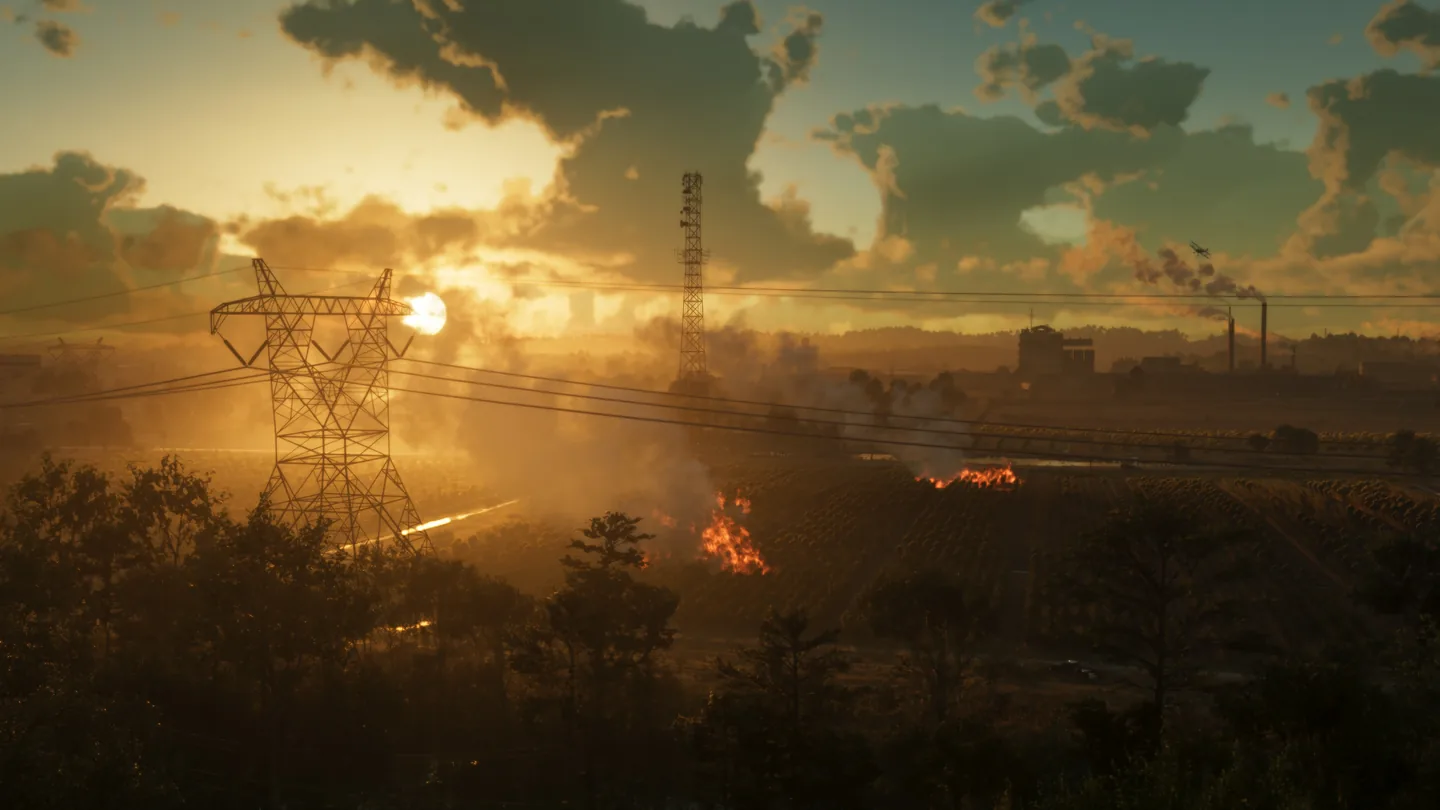
| A wide landscape in 16:9 | Check the sides for objects that pull attention away from the subject. |
Frequently asked questions
Can I use the Camera tab to straighten the horizon without changing the crop?
Yes. Adjust Roll and use Grid to compare the horizon against a level line.
Does a wider Field of View change the aspect ratio?
Field of View changes how much of the scene fits inside the frame. Use Aspect Ratio to change the frame’s shape.
Sources
- Watch The Breakdown compare aspect ratios on the waterfront from 0:24
- See the tall crop replace the wide waterfront frame at 0:28
- See the 1:1 square crop in the same waterfront view at 0:32
- See the finished Photo Studio capture in the console gallery at 1:58
- All Things How’s firsthand PS5 Camera tab and Focus Guide reference