
Controls & settings
GTA 6 Precision Aiming and Optic ADS Controls
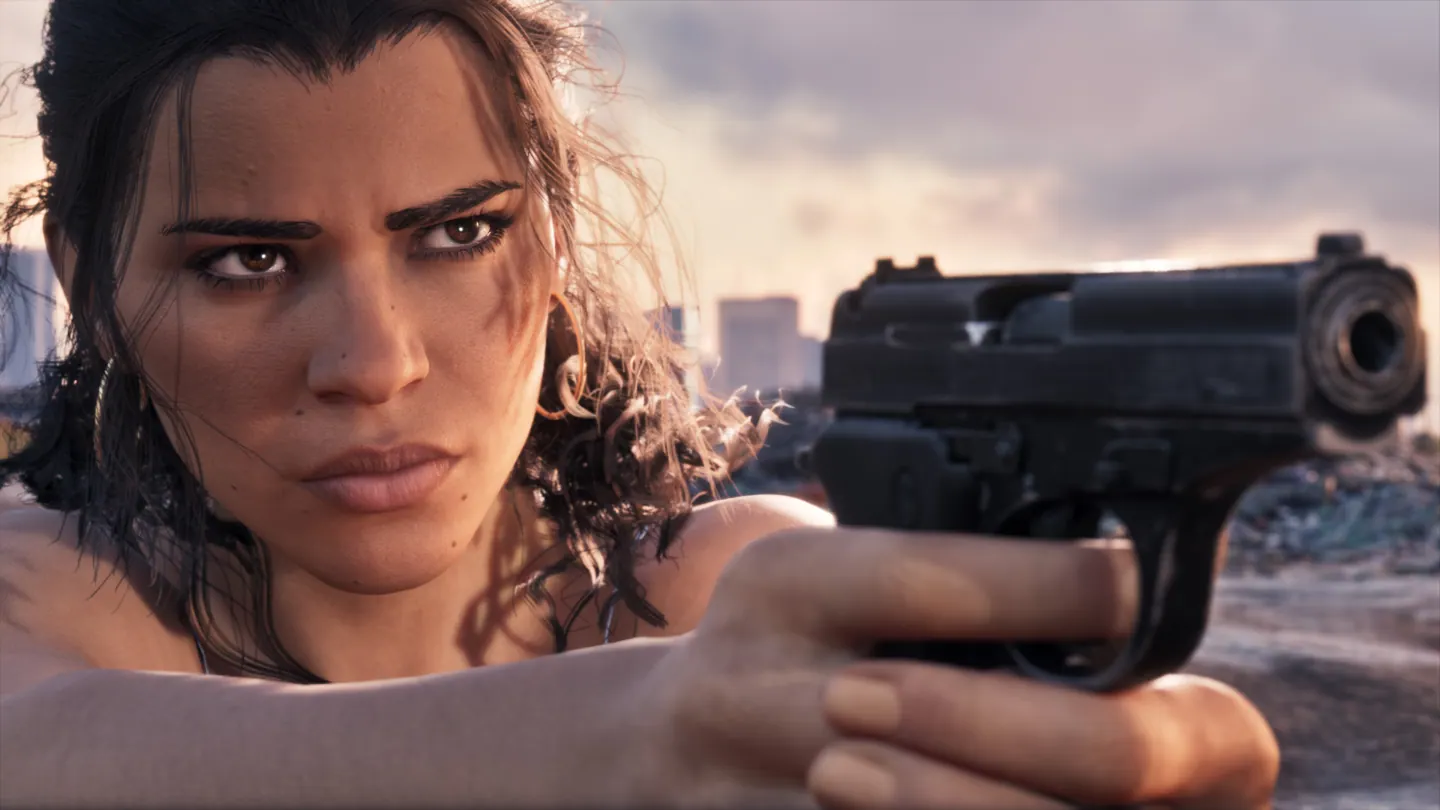
Quick answer
On default controls, hold L2 on PS5 or LT on Xbox to aim and click the right stick for Precision Aiming. It can tighten the third-person view. If the in-game weapon has a compatible optic fitted, the same input can switch to the view through that optic. Use D-pad Left for the separate shoulder-camera switch.
Activate Precision Aiming with the aim trigger held
- Hold the aim trigger on the default layout. This is L2 on PS5 or LT on Xbox. Keep holding it while you click the right stick once.
- Compare the camera before and after the click. The game’s Precision Aiming help describes the zoom. Use D-pad Left during aim if you want to move the third-person camera to the other shoulder.
- If the camera never zooms, verify the control preset and check Pause → Help → Combat & Movement. The default button examples match the captured PS5 help page.
Check for an optic when you want the sight view
At an in-game weapon store, check the selected item’s Optic options. Equip a compatible optic if you want the camera view through it, then return to gameplay and aim with that item selected.
Click the right stick while you are aiming. Shacknews shows this input toggling to the optic’s sight view. If you still see the character’s shoulder, check that you equipped the same item on which you installed the optic.
A camera switch changes your viewpoint. Aim assist and camera sensitivity have their own options, so check those separately if your concern is how the reticle moves.
Check what changes when you click the aiming stick
Use the same in-game item and aim at a fixed point to compare. Click again with aim still active to return to the prior view. If your equipped item and sight are correct, check the Aiming diagram for the controller layout you actually use.
| What changes | Which mode you are using |
|---|---|
| Your character and shoulder are visible, with a tighter angle | Precision Aiming can use a closer third-person camera. |
| The view lines up with the mounted sight | You are viewing through the fitted optic. |
| Your character stays visible and the camera moves to the other side | That is the shoulder switch, separate from the precision input. |
Frequently asked questions
Why am I still in third person after pressing R3?
Precision Aiming can tighten the camera in third person. Check whether the current in-game item has a compatible optic if you want to look through one.
Which button swaps shoulders instead?
While aiming on default controls, press D-pad Left.
Revision history
- · Added a comparison of tighter third person, a fitted optic and the shoulder switch.


