Controls & settings
GTA 6 Vehicle Radio: Turn It Off Now or Stop Auto-Start
Quick answer
Turn the current radio off by holding D-pad Left while seated, then choosing Turn Off in the radio strip. Use Cross on PS5 or A on Xbox when it is shown. To enter future cars with the radio off, pause and open Settings → Audio → Setup → Vehicle Radio. Choose Off. You can still start it manually from the radio strip.
Use Turn Off in the in-car radio strip
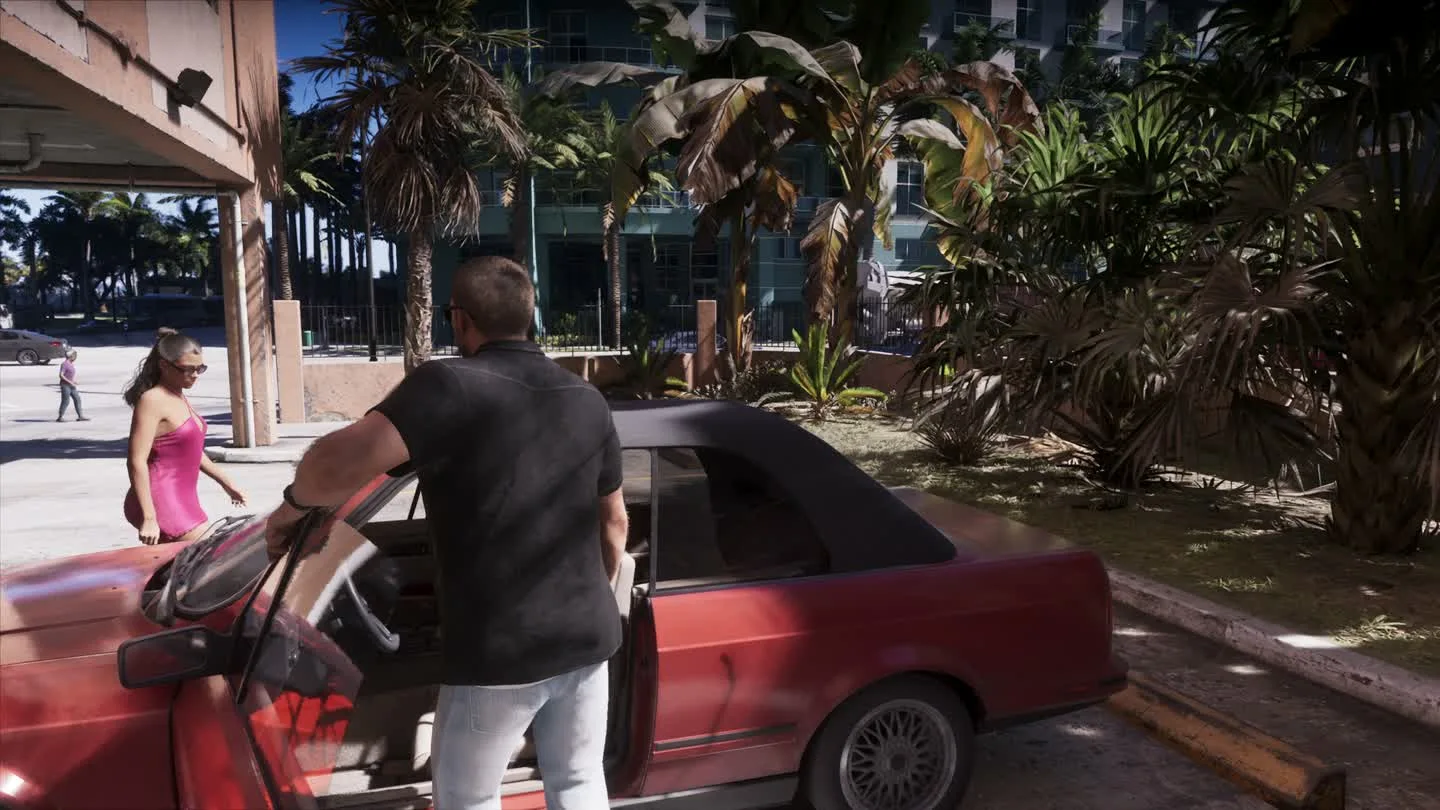
- While seated in a car, hold D-pad Left until the station strip opens at the top. A short tap can operate the turn signal on the default layout, so keep the button down until the labels appear.
- With the Radio row selected, read the action to the right of the station strip. Use Turn Off when the radio is playing. When the action says Turn On, the current radio is already off.
- To pick a station, step through the strip with L1 and R1 on PS5 or LB and RB on Xbox. Check the station title and on or off state before closing the menu.
Set the entry behavior under Audio Setup
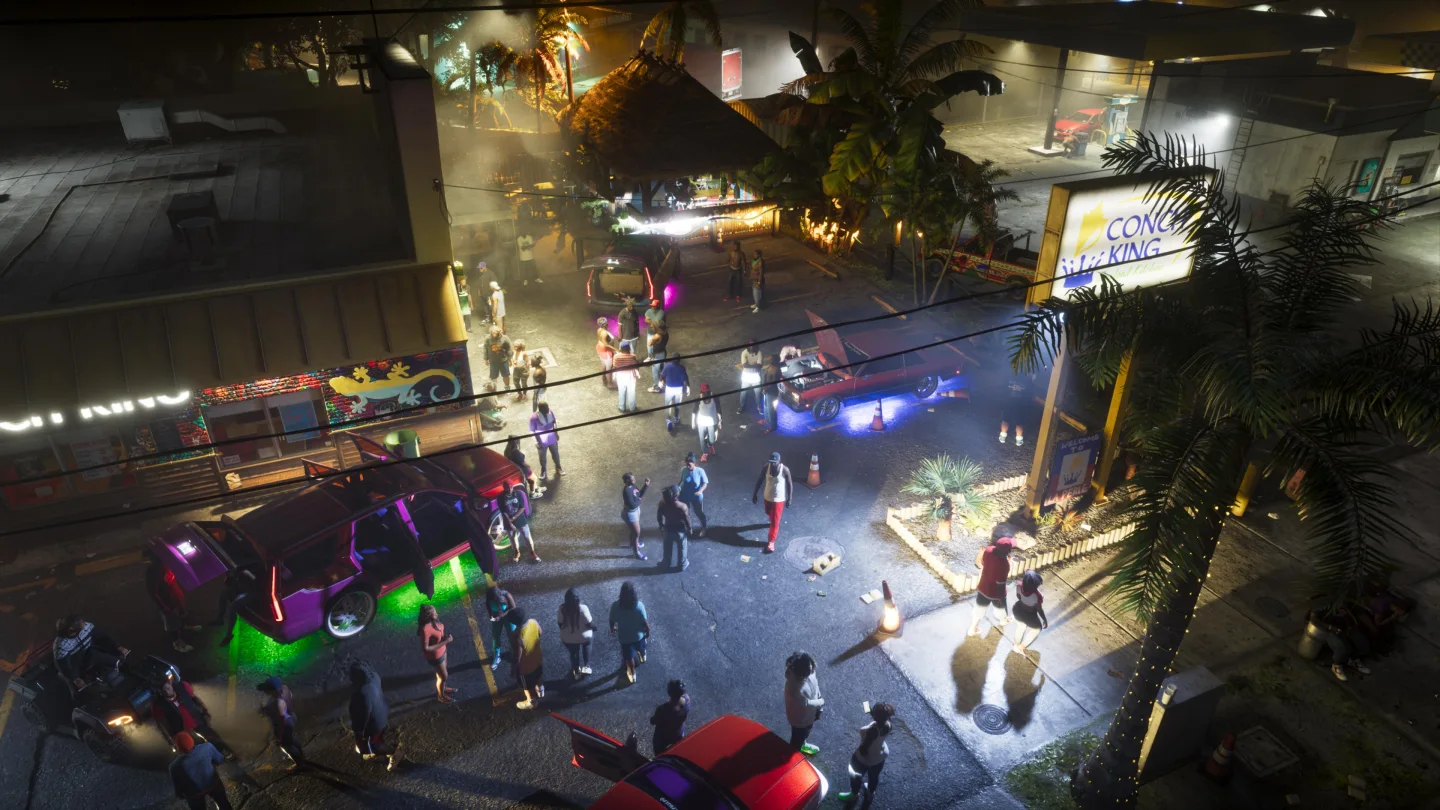
Pause, open Settings and go to the Audio tab. Vehicle Radio is in Setup below Mute Licensed Music. If a different car starts with its radio playing after you turned off the first one, recheck this setting before changing your volume.
For quieter stations and in-world TVs, adjust Media under Audio → Volume. For licensed tracks specifically, use Mute Licensed Music. Original score can still play.
| Vehicle Radio setting | What the game does when you enter |
|---|---|
| Off | Starts with the radio off. Turn it on manually when you want music. |
| Default | Resumes the radio if the previous driver was listening. |
| On | Starts the radio automatically on entry. |
Frequently asked questions
Why did the radio turn on in the next car?
Check Vehicle Radio in Settings → Audio → Setup. Default can resume a previous driver’s station and On starts it automatically. Choose Off to enter quietly.
Can I still listen after choosing Off in settings?
Yes. Hold D-pad Left in a car and use Turn On in the radio strip.
Which slider changes in-world radio volume?
Use Media under Settings → Audio → Volume. It also affects in-world TVs.