Controls & settings
GTA 6 Vehicle Menu: Windows, Tailgate and Hazard Lights
Quick answer
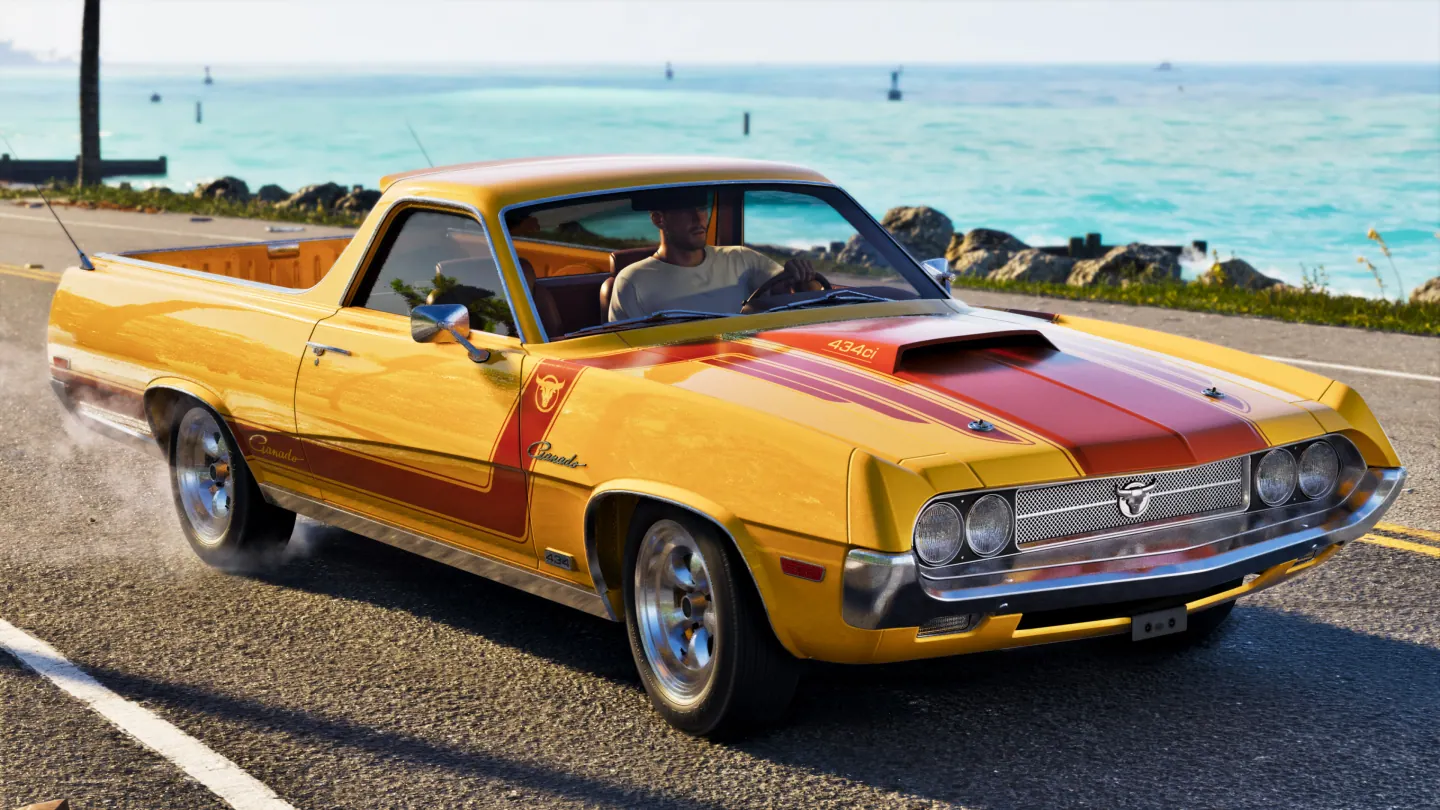
Stay in the driver’s seat and hold D-pad Left until the shortcut strip opens. Push the right stick up from Radio to Vehicle. Use L1 or R1 on PS5 or LB or RB on Xbox to reach Window, Tailgate or Hazards. Press Cross or A on the selected tile and check its new status. On Jason’s ’70 Ganado, Tailgate controls the truck’s rear panel from the driver’s seat.
Switch from station tiles to vehicle controls
- Stop in a place where you can inspect the vehicle. Keep control of the driver’s seat and hold Left on the D-pad. A short tap can trigger the left turn signal instead.
- Where the top strip shows a station name, push the right stick up to Vehicle. The list at the left reads Vehicle, Radio and On Demand. Stay on Vehicle while checking the row.
- Cycle the row with the shortcut buttons below it. The filmed Ganado has separate tiles for Window, Headlights, Hazards, Engine and Tailgate. Match the name on the highlighted tile before confirming.
Use the highlighted state to check what changed
If you want to access stored cargo, get out and inspect the rear of the vehicle for its inventory interaction. The cabin’s Tailgate tile moves the panel. A delivery objective that asks you to Stow or Take an item still uses the cargo prompt.
Read the whole row before assuming an option is missing. A pickup’s Tailgate and a convertible’s Roof are different controls. The footage confirms the truck’s options. Use the tiles actually shown for your vehicle.
| Control | Use it to | What to look for |
|---|---|---|
| Window | Raise or lower the window | On PS5 the Window tile reads Down and shows Roll Up beside Cross. The tile’s green outline makes the lowered state easy to spot. |
| Tailgate | Raise or lower the pickup’s rear panel | Check whether the tile says Closed before toggling. The panel folds down behind the bed on the recorded Ganado. |
| Hazards | Switch the warning lights on or off | Use the triangle tile. When it shows On, the clip shows a highlighted orange icon and the next action is Turn Off. |
Frequently asked questions
Why did the car signal left instead of opening the menu?
Hold D-pad Left until the strip appears. A quick tap is the left blinker on the default layout.
Does the Tailgate tile let me select the contents from the cab?
The filmed tile opens and closes the panel. For a mission item or animal, look for its separate storage prompt at the rear.