Controls & settings
GTA 6 Colorblind Mode for HUD Colors and Focus Trails
Quick answer
For HUD and map symbols, open Pause → Settings → UI → Scaling & Readability → Color Adjustments. Choose Protan, Deutan or Tritan and compare the swatches for the markers you use. For animal tracks while using Focus, turn on Focus Trail Colorblind Mode under Display → Visual Effects.
Compare the icons before choosing a palette
Compare the player and objective swatches in the same example before changing the overall icon size. Return to the same waypoint on the map to confirm which palette is easier to read. Rockstar lists UI color and marker size as distinct accessibility controls.
- Open Settings → UI and look at the start of the tab under Scaling & Readability. Highlight Color Adjustments.
- Cycle through Off, Protan, Deutan and Tritan. Use the preview on the right to judge your own view of player, companion, objective and enemy symbols.
- Return to the map or a familiar objective in free roam. If the icon is hard to find because it is small, try Map Blip Size, Minimap Blip Size or In-World Marker Size depending on where you look.

Increase the visibility of a tracking trail in Display
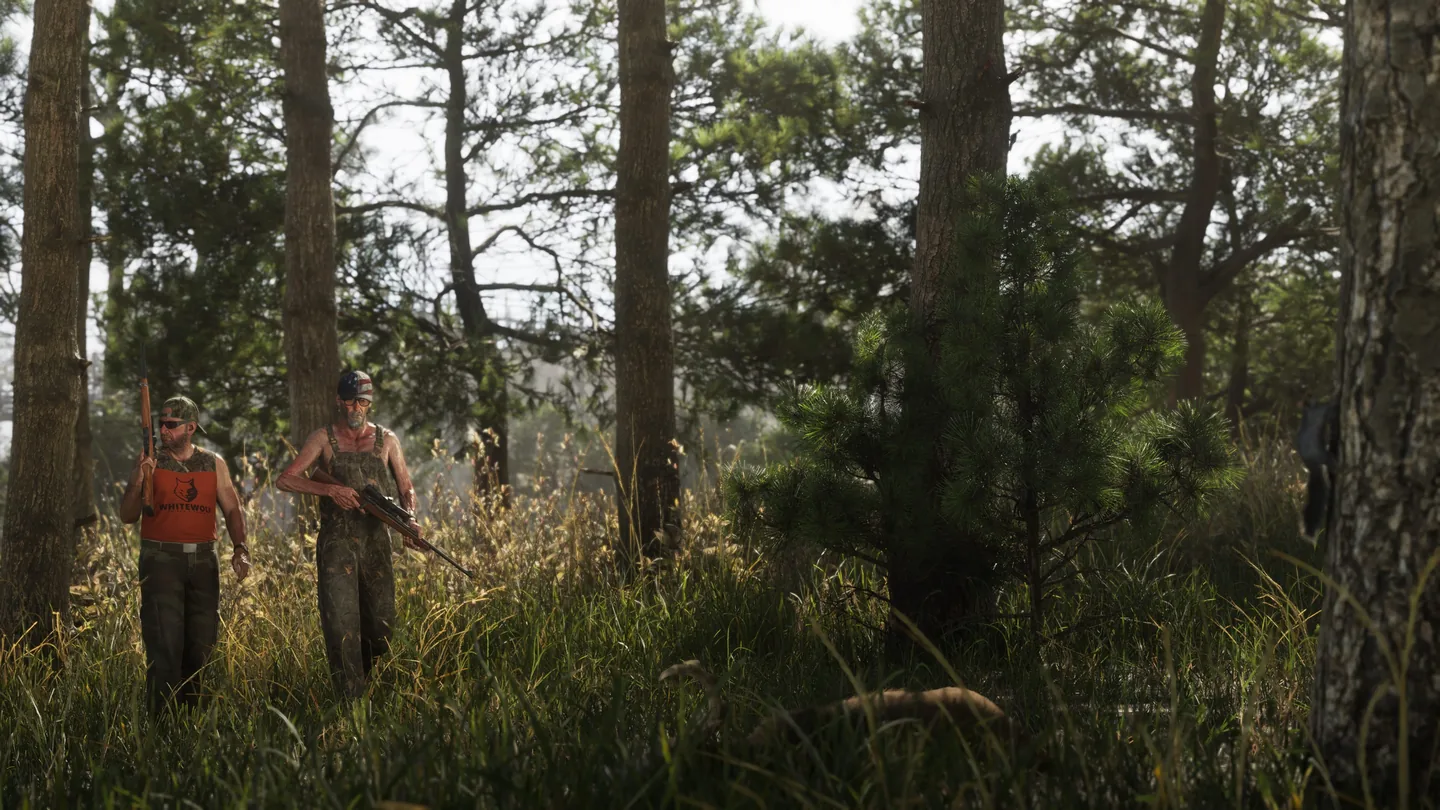
For a trail that blends into the ground while tracking an animal, open the Display tab and scroll to Visual Effects. Turn Focus Trail Colorblind Mode on.
Return to a trail you can already reveal with Focus and compare it against grass, dirt or shade. This option applies its own boosted trail color. The UI palette retains the option you selected.
Save the comparison for an active trail. If there is no trail to compare, check the hunting or tracking objective before changing the palette again.
When the right color is enabled and you still lose the trail after closing Focus, go back to the line and look for Track. Select the named animal so you have an active path to follow.
Frequently asked questions
Where is the setting for both the map and HUD?
Use Color Adjustments under UI → Scaling & Readability.
Where do I change the color of animal tracking trails?
Use Focus Trail Colorblind Mode in Display → Visual Effects.
Revision history
- · Added a consistent HUD preview comparison and a route to diagnose the selected scent line.